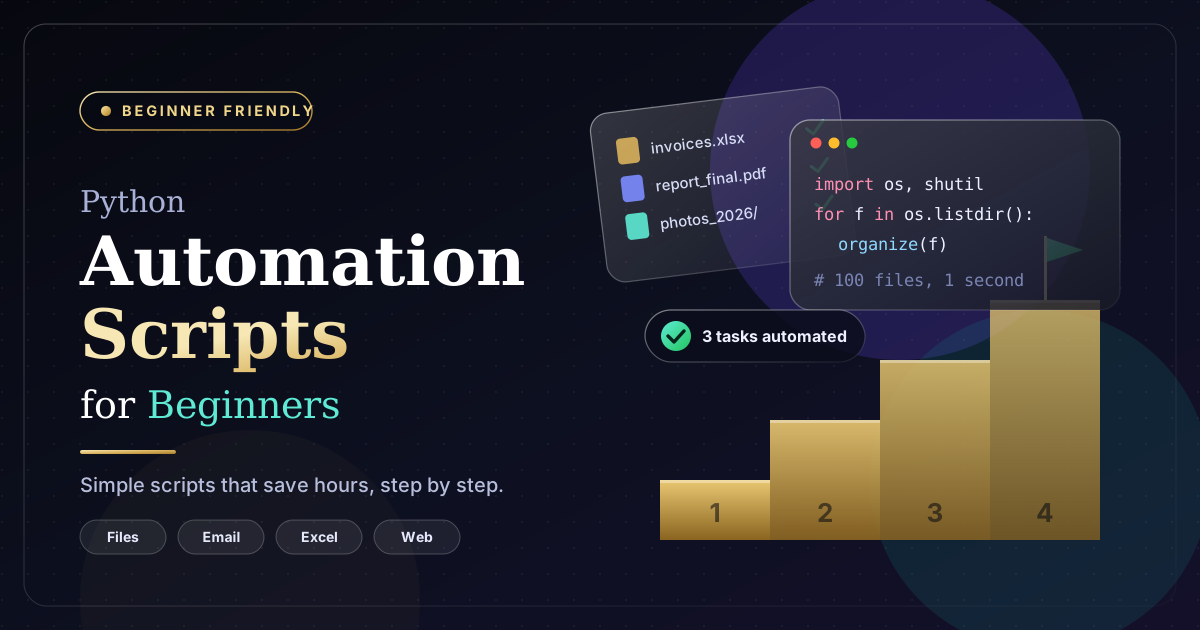
Many everyday computer tasks require repeating the same actions over and over again. Organizing files, updating spreadsheets, renaming documents, collecting information, and preparing reports can consume hours of valuable time. Fortunately, these activities do not always need to be completed manually.
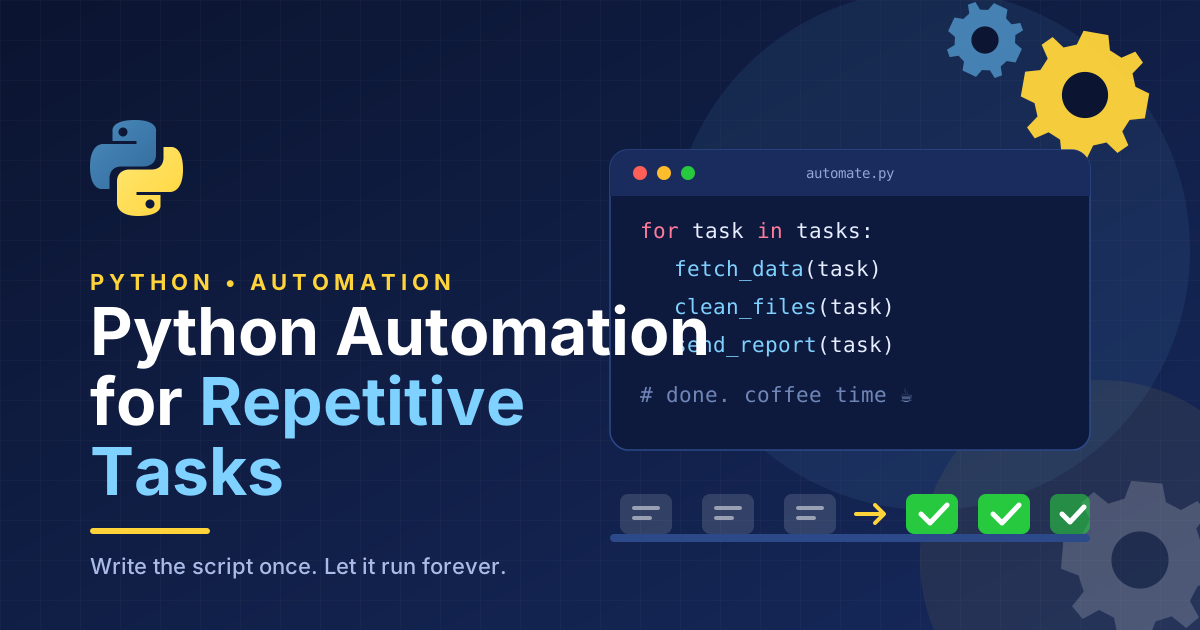
Python automation scripts for beginners provide a simple way to automate routine tasks and improve productivity. Python is a popular programming language known for its readable syntax, extensive libraries, and versatility. Even people with limited programming experience can learn to create basic scripts that perform useful tasks automatically.
In this guide, you will discover what Python automation scripts are, which tasks beginners can automate, the best libraries to learn, and how to create your first automation project.
What Are Python Automation Scripts?
Python automation scripts are small programs written in Python that perform specific tasks with minimal manual involvement. They follow predefined instructions to complete actions such as moving files, processing data, or generating reports.
For example, imagine having hundreds of documents saved in one folder. Finding and organizing each file manually could take considerable time. A Python script can identify file types and sort documents into separate folders automatically.
Unlike complex software applications, many beginner automation scripts require only a few lines of code. This makes Python an accessible starting point for anyone interested in workflow automation.
Why Should Beginners Learn Python Automation?
Save Time on Repetitive Work
Automation helps eliminate unnecessary manual steps. Once a script is written and tested, you can reuse it whenever the same task needs to be completed.Python Programming Guide for Beginners
This is especially useful for students, office workers, freelancers, bloggers, and small business owners who regularly perform similar activities.
Improve Accuracy and Consistency
Manual work can introduce mistakes, including incorrect filenames, missing spreadsheet values, and calculation errors. Python scripts can apply the same rules consistently, although they still require proper testing and reliable input data.
Develop Practical Programming Skills
Building automation scripts allows beginners to practice programming with real-world problems. Instead of learning concepts only through theory, you can create useful tools that solve everyday challenges.
These skills can also provide a foundation for learning data analysis, web development, software testing, and more advanced automation techniques.
Best Python Automation Scripts for Beginners
1. Automatic File Organizer
A file organizer is one of the easiest Python automation projects for beginners. It sorts files into folders based on their extensions, helping keep downloads and documents organized.
For example, you can separate PDF documents, images, spreadsheets, and text files into different directories.
Python’s built-in pathlib and shutil modules provide the tools needed to inspect, create, and move files.
Start with a test folder containing sample documents. Before moving files automatically, check whether files with identical names already exist in the destination.
2. Batch File Renaming Script
Renaming files individually can become frustrating when working with large collections of images, reports, or documents.
A Python batch renaming script can add prefixes, insert dates, or apply a consistent naming format to multiple files.
For instance, a photographer could rename image files using a project identifier and sequential numbers. This approach improves organization and makes files easier to locate.
Always preview the proposed filenames before applying changes to important files.
3. Excel Spreadsheet Automation
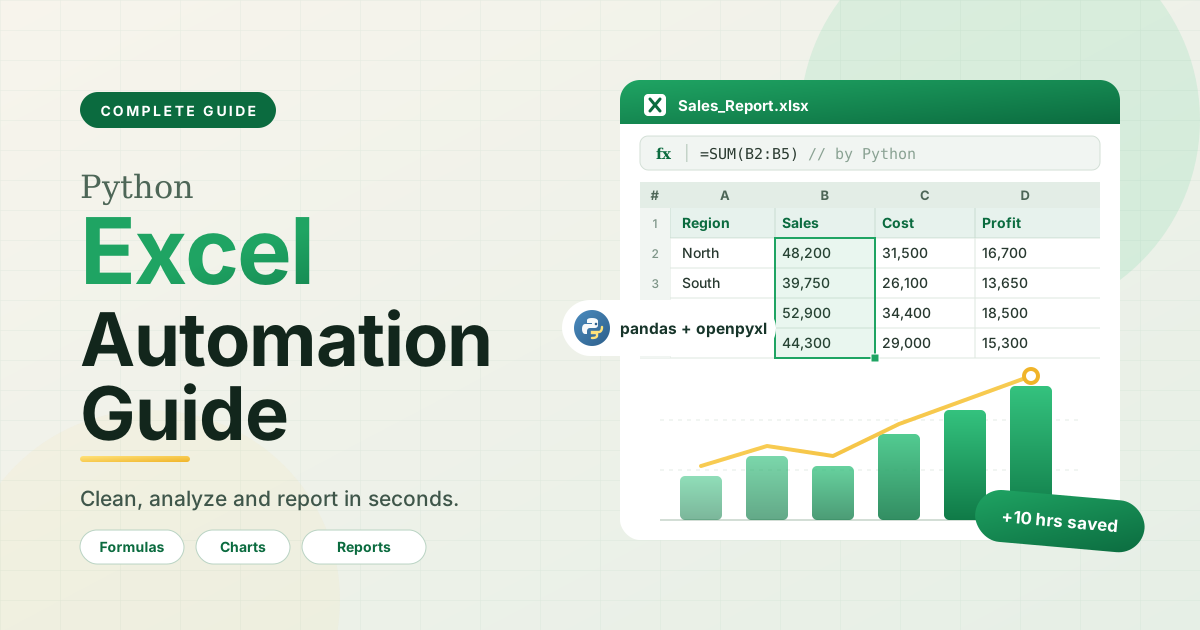
Spreadsheets are widely used for inventory tracking, financial records, sales reports, and customer databases. Python can automate many spreadsheet operations that would otherwise require repeated manual work.
The openpyxl library supports Excel workbook editing, while pandas is useful for cleaning, combining, and analyzing tabular data.
Beginners can start by removing empty rows, combining multiple CSV files, or calculating totals automatically.
4. Automated Email Notifications
Python can help send routine notifications, reminders, and report summaries through compatible email services.
The built-in smtplib and email modules support basic email automation. Some providers require application-specific credentials, secure authentication, or official APIs.
For example, a script could notify a team when a new report is ready. Keep credentials secure and avoid sending messages without the recipient’s permission.
5. Website Data Collection
Another useful beginner project involves collecting information from websites where automated access is permitted.
Python’s requests library can retrieve web content, while BeautifulSoup helps extract information from HTML pages. These tools may be useful for gathering product details from your own website or processing publicly accessible information.
Always respect website terms, privacy requirements, and access restrictions. When a website provides an official API, consider using it instead of scraping pages.
How to Create Your First Python Automation Script
You do not need an advanced development environment to begin. Follow these simple steps.
Step 1: Install Python
Download Python from the official Python website and complete the installation for your operating system. You can write scripts using a basic code editor or an integrated development environment such as Visual Studio Code.
Step 2: Learn the Fundamentals
Understand variables, loops, conditional statements, functions, and file handling. These basic programming concepts will help you create useful automation scripts.
Step 3: Write a Simple Script
The following example displays all PDF filenames in a folder named documents:
from pathlib import Path
folder = Path(“documents”)
for file in folder.glob(“*.pdf”):
print(file.name)
Place a folder named documents in the appropriate working directory and add a few PDF files. When you run the script, Python displays their filenames.
This small project introduces file paths, loops, and pattern matching without requiring complicated code.
Step 4: Test and Improve Your Script
Run your script with sample data before using it for important work. Check the output and consider what might happen if a folder is missing or a file cannot be accessed.
As your skills improve, add error handling, logging, and additional features.
Best Practices for Beginner Automation Projects
Reliable automation requires careful planning. Follow these recommendations when developing Python scripts:
- Start with small tasks: Solve one problem before adding more features.
- Use clear filenames: Make scripts and folders easy to understand.
- Protect important files: Create backups before modifying or moving data.
- Handle errors: Prepare for missing files, invalid input, and network failures.
- Secure sensitive information: Never expose passwords or API keys in public code.
- Review results: Check automated output regularly to identify unexpected behavior.
Once a script works reliably, you can schedule it with Windows Task Scheduler or cron on supported systems to run at specific times.
Conclusion
Python automation scripts for beginners offer a practical introduction to programming while helping simplify everyday computer tasks. From organizing files and renaming documents to processing spreadsheets and sending notifications, even small scripts can reduce repetitive work.
The best way to learn is to choose a task you perform regularly and build a simple solution around it. Test your code carefully, improve it gradually, and explore additional Python libraries as your confidence grows.
With consistent practice, you can develop automation skills that improve personal productivity and support more efficient business workflows.

One thought on “Python Automation Scripts for Beginners: A Complete Guide”