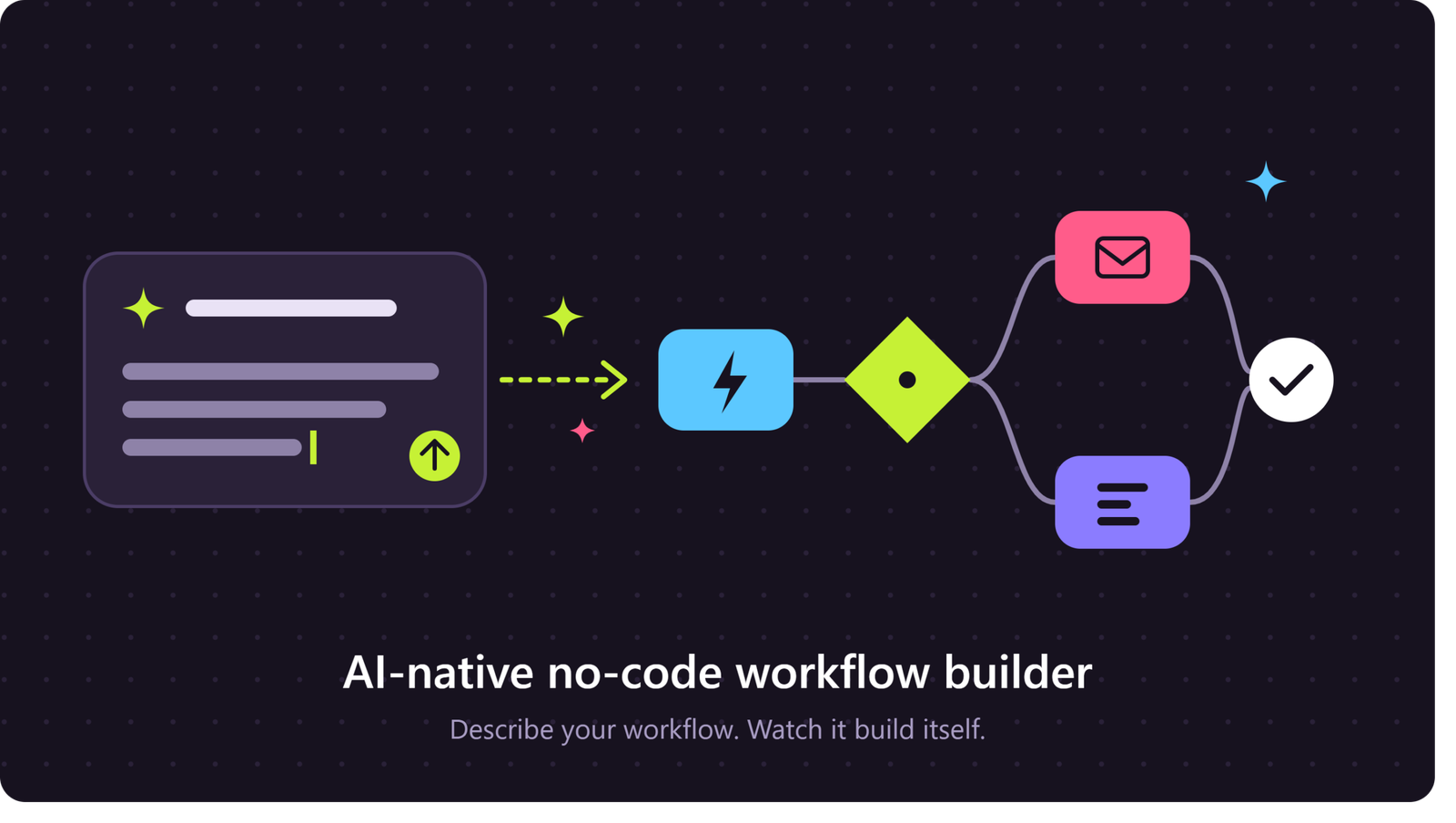
Businesses are under constant pressure to work faster, reduce repetitive tasks, and deliver better customer experiences. Traditional automation platforms can help, but they often require technical knowledge, complex configurations, and ongoing maintenance. An AI-native no-code workflow builder offers a different approach by combining artificial intelligence with visual, no-code automation.
Instead of manually designing every step, users can describe what they want to accomplish in plain language. The platform can then help create workflows, connect applications, process information, and automate routine decisions without requiring programming skills.
What Is an AI-Native No-Code Workflow Builder?
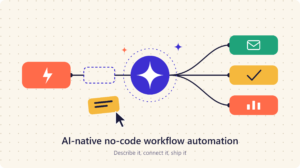
An AI-native no-code workflow builder is an automation platform designed around artificial intelligence from the beginning. It allows users to build business workflows without writing traditional code.AI-Native No-Code Workflow Automation
A conventional no-code workflow tool typically uses visual triggers, actions, and conditions. An AI-native platform can go further by helping users understand business requirements, generate workflow steps, analyze data, and adapt processes.
For example, a business owner could describe a process like:
“When a customer submits a support request, classify the issue, prioritize urgent cases, create a ticket, and notify the appropriate team.”
The AI can help transform this instruction into an automated workflow.
How AI-Native Workflow Automation Works
AI-native workflow automation combines several technologies to simplify process management.
Natural Language Workflow Creation
One of the biggest advantages is the ability to create workflows using everyday language. Users do not necessarily need to understand technical logic, APIs, or scripting.
The AI interprets the request and suggests triggers, actions, conditions, and integrations.
This can significantly reduce the time required to build an automation.
Intelligent Decision-Making
Traditional automation usually follows predefined rules. AI-native workflows can introduce intelligent decision-making into those processes.
For example, an automated customer service workflow could analyze incoming messages and determine whether a request is related to billing, technical support, refunds, or general questions.
The workflow can then route each request to the appropriate destination.
Automated Data Processing
Businesses handle large amounts of emails, documents, forms, customer messages, and other unstructured information.
AI can extract relevant information from these sources and pass it to the next workflow step.
For example, an invoice processing workflow could identify the vendor, invoice number, amount, and due date before sending the information to an accounting system.
Key Features of an AI-Native No-Code Workflow Builder
Modern platforms typically combine visual automation with AI capabilities.
Visual Workflow Designer
A visual interface allows users to create processes by connecting triggers and actions. This makes workflow automation easier to understand and modify.
Users can see how information moves from one step to another without examining complex code.
AI Workflow Generation
AI-assisted workflow creation can convert a written description into a suggested automation.
This is particularly useful for small businesses and non-technical teams that want to automate processes without hiring developers.
App and API Integrations
A useful workflow builder should connect with commonly used business applications such as CRM systems, email platforms, project management tools, spreadsheets, databases, and communication applications.
These integrations allow information to move automatically between different systems.
Conditional Logic
Businesses rarely have processes that follow only one path. AI-native workflow automation can support conditions, branches, approvals, and exceptions.
For example, a workflow could send low-value purchase requests directly for processing while sending higher-value requests to a manager for approval.
Human-in-the-Loop Automation
Not every decision should be fully automated. AI-native systems can involve people when human judgment is required.
A workflow might automatically analyze a request but ask an employee to approve the final action.
This creates a balance between automation and human oversight.
Benefits for Modern Businesses
An AI-native no-code workflow builder can provide several practical advantages.
Faster Process Automation
Instead of spending days designing complex automation, teams can create and test workflows more quickly.
AI-assisted configuration can reduce the manual effort involved in setting up repetitive processes.
Lower Technical Barriers
No-code automation allows employees outside traditional IT teams to participate in process improvement.
Marketing, sales, operations, finance, and customer support teams can create workflows that address their own repetitive tasks.
Reduced Manual Work
Automating repetitive activities can reduce the amount of time employees spend copying information, sending routine notifications, updating records, and organizing data.
Employees can then focus more attention on tasks that require creativity, communication, and strategic thinking.
Scalable Automation
As a company grows, manual processes can become difficult to manage. Automated workflows can handle increasing volumes without requiring every task to be completed manually.
This makes workflow automation useful for startups as well as larger organizations.
Common Use Cases
AI-native no-code automation can support many departments.
Customer Support
Businesses can automatically classify support requests, summarize conversations, assign tickets, and generate response suggestions.
Sales and Lead Management
A workflow can capture new leads, enrich customer information, update CRM records, assign sales representatives, and trigger follow-up messages.
Marketing Automation
Marketing teams can automate content workflows, campaign reporting, lead segmentation, notifications, and customer engagement processes.
Finance and Operations
AI can assist with invoice processing, document extraction, approval workflows, expense management, and routine reporting.
Human Resources
HR teams can automate employee onboarding, document collection, interview scheduling, internal requests, and routine notifications.
AI-Native vs. Traditional No-Code Automation
The key difference is intelligence.
Traditional no-code platforms generally depend on users manually defining what should happen under specific conditions. AI-native platforms can help users design those processes, interpret unstructured information, and make context-based decisions.
However, AI does not eliminate the need for good workflow design. Poor instructions, inaccurate data, or inappropriate automation rules can still produce incorrect results.
How to Choose the Right Platform
Before selecting an AI-native no-code workflow builder, businesses should evaluate several factors.
Look for strong application integrations, intuitive workflow design, AI capabilities, security controls, monitoring features, scalability, and transparent pricing.
It is also important to test the platform with a real business process rather than relying only on a product demonstration.
Start with a repetitive process that has clear inputs and measurable outcomes. Once the workflow performs reliably, expand automation into other areas.
The Future of AI-Native Workflow Automation
AI is changing automation from simple rule-based execution toward more adaptive business processes.
Future workflow platforms are likely to provide more natural language interaction, intelligent process discovery, autonomous task execution, better exception handling, and deeper integration with business applications.
The goal is not simply to automate more tasks. It is to make automation easier to create, easier to manage, and more useful for everyday business operations.
Conclusion
An AI-native no-code workflow builder brings together artificial intelligence, no-code development, and workflow automation in a single environment. It can help businesses create intelligent processes without depending entirely on software developers.
From customer support and sales to finance, marketing, and operations, these platforms can reduce repetitive work and improve process efficiency.
For organizations looking to modernize their operations, starting with a small, well-defined workflow is often the most practical approach. As teams gain confidence, AI-powered automation can become an important part of a broader digital transformation strategy.

2 thoughts on “AI-Native No-Code Workflow Builder: A Smarter Way to Automate Business Processes”