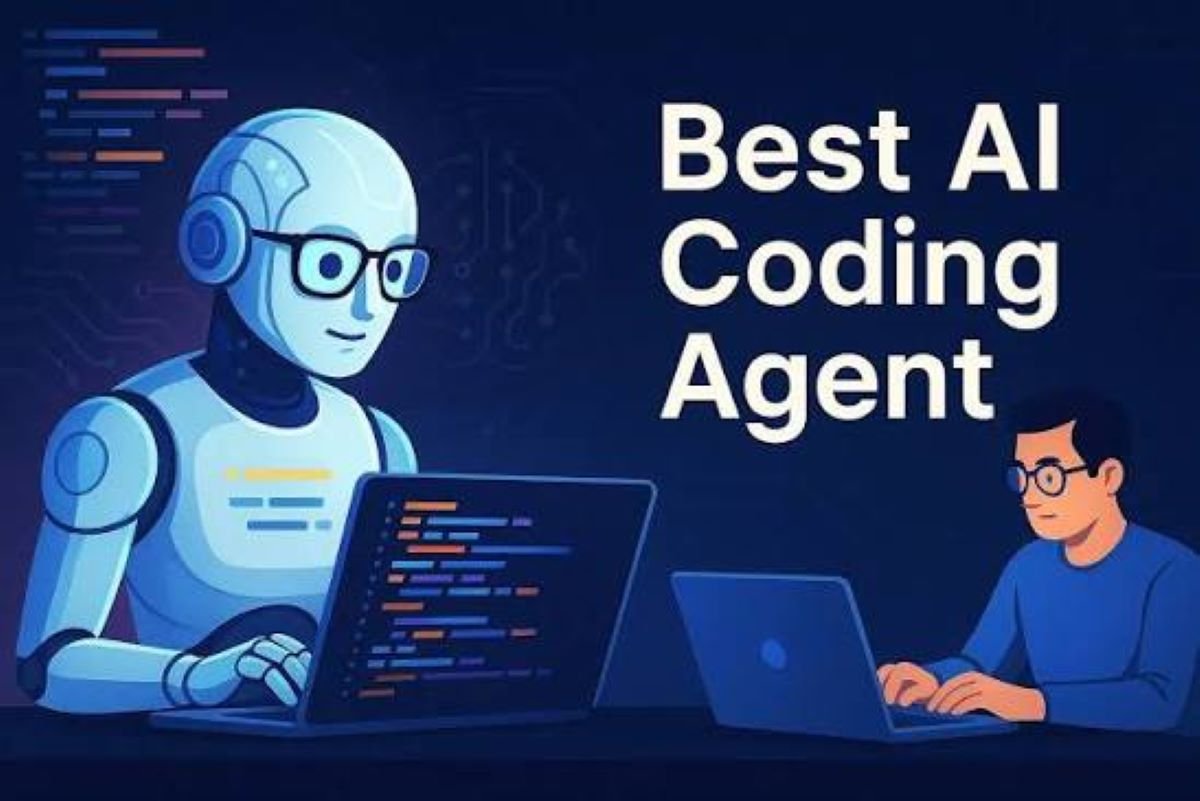
Ten years ago, the idea of software that could write working code from a plain-English sentence sounded like science fiction. Today, an AI coding assistant sits inside the editor of millions of developers, suggesting lines, explaining errors, and drafting entire functions.
This guide covers what these tools do, where they help most, where they fall short, and how to choose one that fits your workflow.
What Is an AI Coding Assistant?
An AI coding assistant is a software tool that uses machine learning, usually large language models, to help people write, read, and maintain code. It works alongside you, much like a pair programmer who never gets tired.
Most assistants are trained on huge collections of public code and technical writing. That training lets them recognize patterns, predict what you’re likely to type next, and respond to questions in natural language.
How It Works Behind the Scenes
When you type a comment or start a function, the tool sends that context to a language model. The model predicts the most useful continuation and returns it as a suggestion. Newer assistants go further by reading your whole project, running commands, and making changes across multiple files.
That shift, from autocomplete to something closer to a collaborator, is the biggest change in developer tooling in years.
Core Features Worth Knowing
Not every tool offers the same capabilities, but a few features show up again and again.
Intelligent Code Completion
This is the feature most people meet first. As you type, the assistant proposes the next line or block. Good completion goes beyond syntax and respects your naming style, existing helper functions, and the framework you’re using.
Natural Language to Code
You describe what you need, such as “parse this CSV and group rows by month,” and the assistant drafts the code. This is especially handy for boilerplate, data transformations, and unfamiliar libraries.
Debugging and Error Explanation
Paste a stack trace and ask what went wrong. A capable assistant can point to the likely cause, explain it in plain language, and suggest a fix. For beginners, this alone can save hours of frustration.
Refactoring, Documentation, and Test Generation
Many teams lean on assistants for the chores that get postponed: cleaning up messy functions, writing docstrings, and generating unit tests. These tasks are tedious but valuable, and they suit AI well.
Benefits for Developers and Teams
The appeal goes beyond speed, although speed is a real part of it.
Faster Development Cycles
Repetitive work shrinks. Setting up an API endpoint, writing a regular expression, or wiring up a form takes minutes instead of an afternoon. That frees up time for architecture and problem-solving.
A Gentler Learning Curve
Newer programmers can ask questions without feeling embarrassed. Experienced developers can explore an unfamiliar language or framework more quickly. In both cases, the assistant acts as an on-demand tutor.
Less Context Switching
Instead of jumping between the editor, documentation, and search results, developers can stay in flow. Fewer interruptions usually mean better focus and cleaner work.
Limitations and Risks You Should Not Ignore
An AI coding assistant is useful, but it isn’t infallible. Treating it as an oracle is where problems begin.
Confident but Wrong Output
Models can produce code that looks correct but contains subtle bugs, outdated methods, or even invented functions. Every suggestion deserves a review, especially in areas like authentication, payments, or data handling.
Security and Privacy Concerns
Generated code may include insecure patterns. There is also the question of what data leaves your machine. Before adopting a tool at work, check how it handles proprietary code, whether prompts are stored, and whether your company’s policies allow it.
Over-Reliance
If you accept suggestions without understanding them, your own skills can stall. The healthiest approach is to use the assistant to accelerate work you could explain, not to replace comprehension.
How to Choose the Right AI Coding Assistant
The best tool depends on your situation, so compare a few options against what you actually need.
Key Factors to Compare
- Language and framework support: Make sure it performs well in your main stack.
- Editor integration: Look for smooth support in your IDE or terminal.
- Project awareness: Tools that understand your full codebase give more relevant answers.
- Privacy controls: Enterprise teams should look for clear data-handling terms.
- Pricing: Free tiers are good for testing, while paid plans usually add stronger models and higher limits.
Because this space changes quickly, try a trial period on a real project before committing. Current features and pricing shift often, so check each vendor’s own documentation.
Best Practices for Getting Better Results
A few habits make a noticeable difference.
Be specific. “Write a function” is vague. “Write a Python function that validates an email and returns a clear error message” gets far better results.
Give context. Mention the framework, constraints, and coding style you follow.
Work in small steps. Ask for one piece at a time, then test it before moving on.
Always review and test. Read what the assistant wrote, run it, and add your own tests. Think of the output as a strong first draft.
The Future of AI-Assisted Programming
The direction is clear. Assistants are moving from suggesting lines toward handling multi-step tasks, such as fixing a bug across several files or preparing a pull request for human review.
That doesn’t make developers obsolete. It changes where their value lies. Judgment, design thinking, and the ability to define the right problem matter more when the mechanical parts get easier.
Final Thoughts
An AI coding assistant is best understood as a capable partner rather than a replacement. Used thoughtfully, it removes friction, speeds up learning, and gives developers more room for creative work. Used carelessly, it can introduce bugs and bad habits.
Start small, stay curious, and keep your own judgment in the loop. That balance is what turns a clever tool into a real advantage.


2 thoughts on “AI Coding Assistant: How Smart Tools Are Changing the Way Developers Build Software”