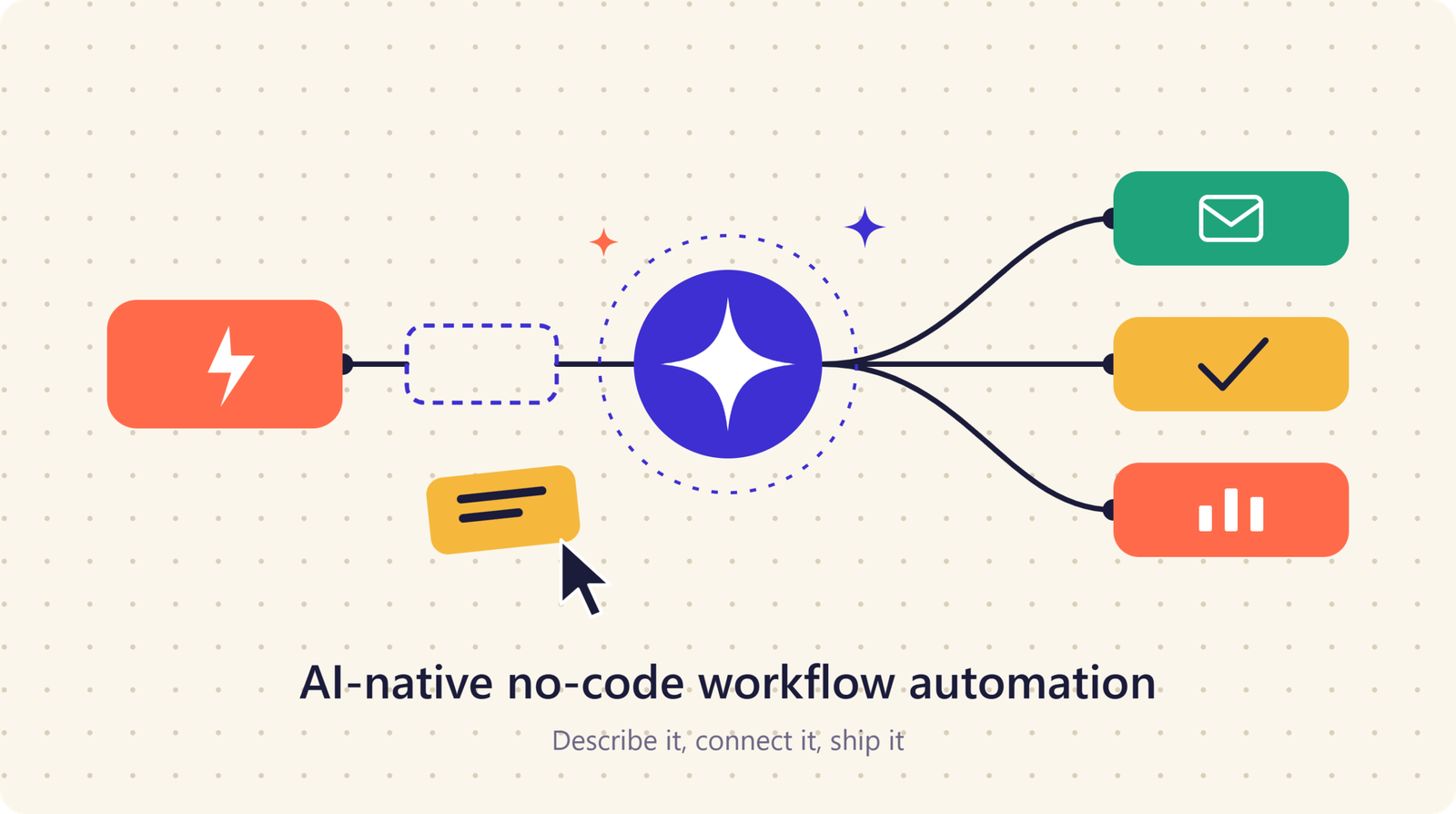
AI-Native No-Code Workflow Automation: A Practical Guide for Modern Businesses
Businesses are under constant pressure to work faster, reduce repetitive tasks, and deliver better customer experiences. Traditional automation can solve some of these challenges, but it often requires technical knowledge, complex integrations, and ongoing developer support.
AI-native no-code workflow automation offers a different approach. It combines artificial intelligence with visual, no-code workflow builders so businesses can automate processes without writing traditional software code.
Instead of simply following predefined rules, AI-powered automation can understand information, make decisions, classify data, generate content, and trigger actions based on changing business conditions.
What Is AI-Native No-Code Workflow Automation?
AI-native no-code workflow automation is an approach to business process automation where artificial intelligence is built directly into the workflow environment.
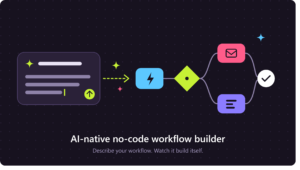
A no-code workflow builder allows users to create automated processes through visual interfaces, forms, triggers, actions, and integrations. AI adds capabilities such as natural language processing, intelligent decision-making, document understanding, and content generation.
For example, a business could create a workflow that automatically reads incoming customer emails, identifies their intent, summarizes the request, creates a support ticket, and sends the information to the appropriate team.
The entire process can be configured visually instead of developing a custom application from scratch.
How AI-Native Workflow Automation Works
AI-native automation generally combines triggers, business rules, AI models, applications, and automated actions.
1. Trigger
A workflow begins when a specific event occurs. This could be a new email, form submission, customer order, uploaded document, database update, or calendar event.
2. AI Processing
The AI component analyzes the information and determines what should happen next. It may classify a request, extract important information, summarize text, or generate a response.
3. Decision
The workflow evaluates the AI output and applies business logic. Different conditions can send information to different paths.
4. Automated Action
The system then performs an action, such as updating a CRM, sending an email, creating a task, generating a report, or notifying an employee.
This combination creates intelligent workflows that can handle more complex processes than traditional rule-based automation.
Key Benefits of AI-Native No-Code Automation
Faster Workflow Development
Traditional automation projects can require developers, technical planning, testing, and custom integrations.
No-code automation reduces much of this complexity. Business users can visually build workflows and make changes without waiting for a development team.
This can significantly shorten the time between identifying a repetitive process and automating it.
Reduced Manual Work
Employees often spend hours copying information between applications, organizing documents, responding to routine requests, and updating records.
AI-powered workflows can handle many of these repetitive activities automatically, allowing employees to spend more time on tasks requiring creativity, communication, and strategic thinking.
Intelligent Decision-Making
Traditional workflows typically depend on fixed conditions such as “if this happens, do that.”
AI-native workflows can work with unstructured information. They can analyze emails, documents, customer messages, and other text-based inputs before determining the appropriate action.
This makes automation useful for processes that previously required human interpretation.
Common Use Cases
AI-native no-code workflow automation can be applied across many departments.
Customer Support
A support workflow can analyze incoming messages, identify the customer’s issue, categorize the request, generate a response draft, and route complex cases to human agents.
This can improve response consistency while reducing repetitive support work.
Sales and Lead Management
Businesses can automatically capture leads from forms, analyze lead information, assign priority levels, update CRM records, and notify sales representatives.
AI can also summarize previous interactions so sales teams have relevant context before contacting prospects.
Marketing Automation
Marketing teams can use AI-powered workflows to generate content ideas, organize campaign data, summarize performance reports, and distribute information across multiple platforms.
The goal is not to replace marketers but to reduce repetitive operational work.
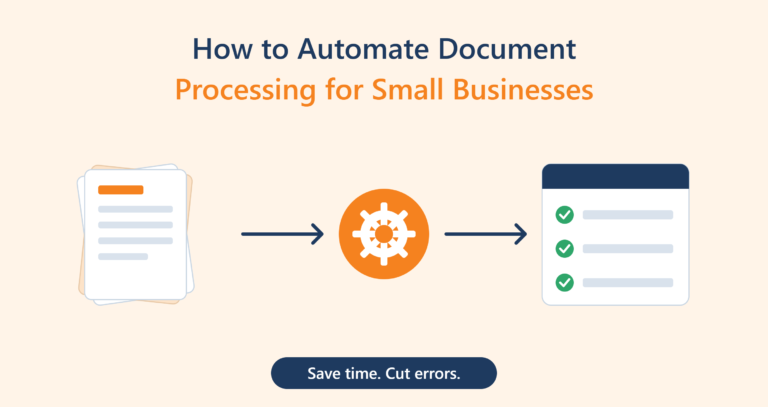
Document Processing
AI can extract information from invoices, applications, contracts, forms, and other documents.
A no-code workflow can then transfer the extracted information into accounting software, databases, spreadsheets, or business management systems.
AI Agents and No-Code Workflows
The combination of AI agents and no-code automation is becoming increasingly important.
An AI agent can perform multiple steps toward a defined objective rather than simply responding to a single request.
For example, an automated research workflow could receive a request, gather information from connected sources, summarize the findings, organize the results, and send a report to a designated employee.
No-code interfaces make it easier for non-developers to configure these multi-step processes.
Challenges to Consider
AI-native automation offers significant advantages, but it is not appropriate to automate every process.
Accuracy
AI systems can occasionally misunderstand information or produce incorrect outputs. Important workflows should include validation and human review where mistakes could create significant consequences.
Data Security
Businesses should understand what information is processed by their automation platform and how that information is stored and protected.
Sensitive customer, financial, or business data requires appropriate security controls.
Workflow Complexity
A poorly designed workflow can become difficult to maintain. Businesses should start with clear processes and avoid adding unnecessary automation steps.
How to Implement AI-Native Automation
Successful implementation starts with identifying repetitive processes that have clear inputs and measurable outcomes.
Begin with a relatively simple workflow. Document the existing process, identify bottlenecks, determine where AI can add value, and establish human approval points where necessary.
After testing the workflow, monitor its performance and gradually expand automation to other processes.
The Future of No-Code AI Automation
AI-native no-code workflow automation is moving business automation beyond simple rule-based tasks.
As AI models become more capable, workflows will increasingly be able to interpret natural language, understand documents, make contextual decisions, and coordinate actions across multiple applications.
This could make sophisticated automation accessible to smaller businesses that do not have large software development teams.
Conclusion
AI-native no-code workflow automation combines artificial intelligence, visual workflow builders, and business integrations to simplify complex processes.
It can help organizations automate repetitive work, process unstructured information, improve operational efficiency, and connect different business applications without requiring extensive programming.
The most effective strategy is not to automate everything. Businesses should identify processes where AI can provide measurable value, build controlled workflows, monitor results, and keep humans involved where judgment remains important.
As AI and no-code technology continue to evolve, intelligent workflow automation is likely to become a standard part of modern business operations.


4 thoughts on “AI-Native No-Code Workflow Automation: A Practical Guide for Modern Businesses”