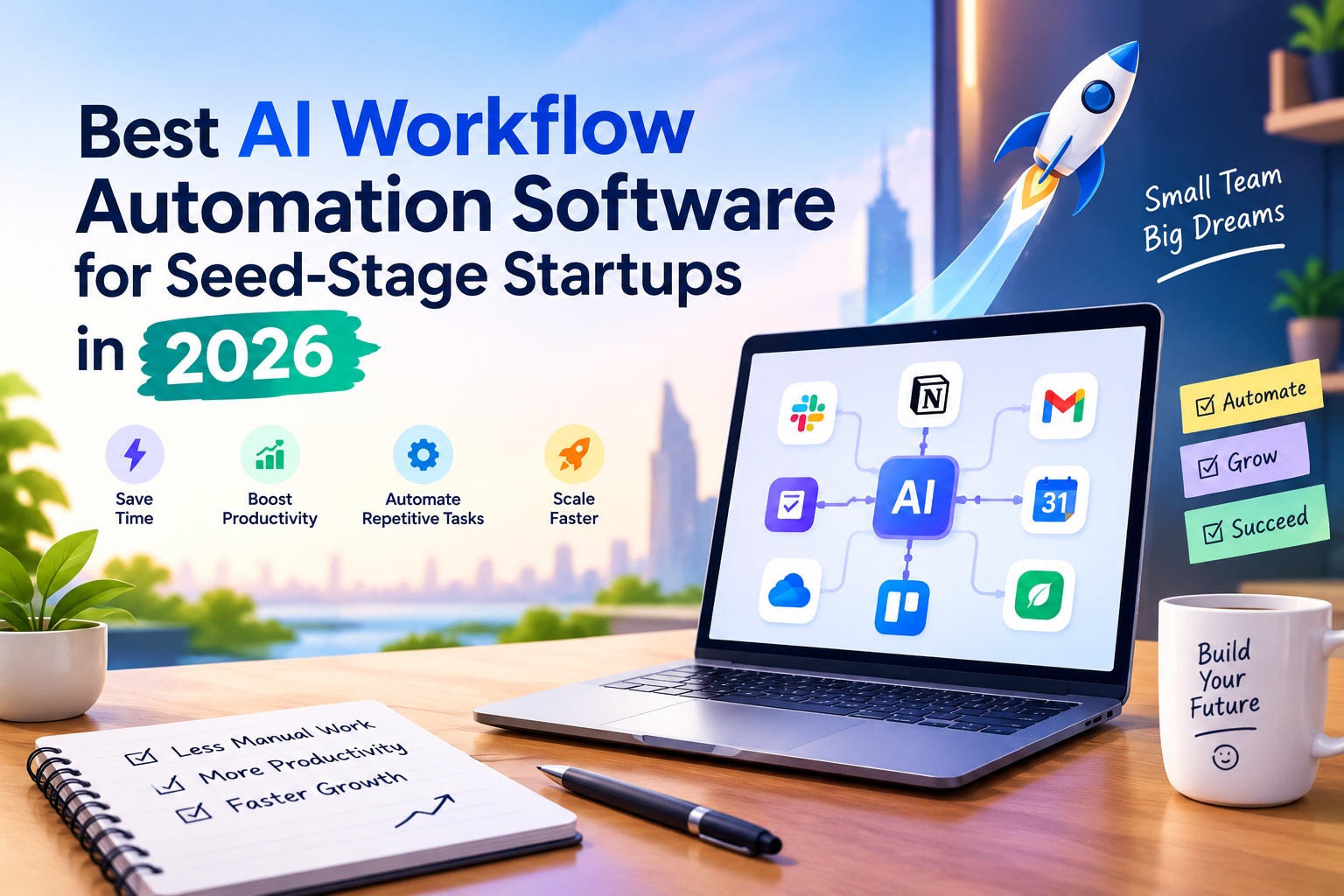
Seed-stage startups run on scarcity. There’s rarely enough time, enough budget, or enough hands to do everything a growing company needs. That’s exactly why AI workflow automation software has become less of a “nice to have” and more of a survival tool for early founders. The right platform lets a three- or four-person team operate with the output of a company three times its size — without adding headcount before revenue justifies it.
This guide breaks down what seed-stage teams actually need from automation tools, the platforms worth considering in 2026, and how to choose one that won’t need to be replaced the moment you raise your Series A.
Why Seed-Stage Startups Need Workflow Automation
At the seed stage, every hour spent manually moving data between spreadsheets, CRMs, and inboxes is an hour not spent on product or customers. Founders often wear five or six job titles at once — and none of them is “operations manager.”
Workflow automation platforms solve this by connecting your existing tools so information flows between them automatically. A new lead fills out a form, gets enriched with company data, lands in your CRM, and triggers a personalized follow-up email — all without anyone touching a keyboard.
Research on knowledge-worker productivity suggests automation can save teams 15–20 hours a week once it’s woven into core processes. For a lean founding team, that’s the equivalent of hiring an extra employee without the payroll cost.
What to Look for in an AI Automation Tool
Not every automation platform is built with early-stage constraints in mind. Before committing to one, seed-stage teams should weigh a few non-negotiables.
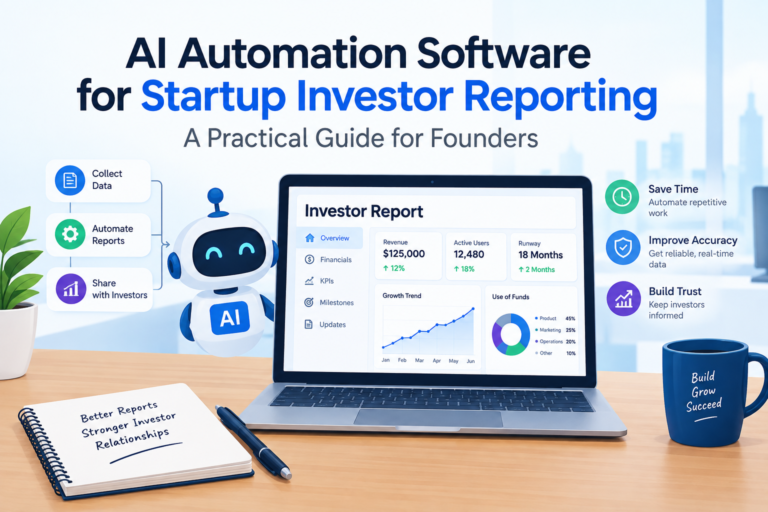
Must Read:AI automation software for startup investor reporting
Fast Time-to-Value
If setting up an automation takes longer than just doing the task manually for a month, it’s not worth adopting yet. Look for tools with pre-built templates and drag-and-drop builders rather than platforms that require a dedicated implementation phase.
Usage-Based, Startup-Friendly Pricing
Seed-stage teams run a modest volume of workflows — often 10 to 50 automations a day, not tens of thousands. Tools with generous free tiers or low entry pricing let you validate value before scaling spend.
Room to Grow
The platform you adopt with three people should still make sense at thirty. Switching automation tools mid-growth means re-mapping every workflow from scratch, which is a painful and avoidable cost.
Minimal Ongoing Maintenance
Nobody on a five-person team has “automation administrator” as their actual job. The best tools are largely self-sustaining once configured, with clear error handling so a broken workflow doesn’t silently fail for weeks.
Top AI Workflow Automation Tools for Seed-Stage Startups
General-Purpose Automation Builders
Zapier remains a go-to for founders who want the broadest possible app coverage, with thousands of integrations and a no-code interface that non-technical team members can pick up quickly.
Make (formerly Integromat) offers visual, branching workflows that suit teams who need more logic and control than simple trigger-action automations, while staying accessible to non-developers.
n8n appeals to more technical founding teams. It’s developer-friendly, self-hostable, and priced around execution volume rather than a flat monthly fee — useful when usage is still unpredictable.
AI-Native and Agent-Based Platforms
A newer category of tools goes beyond connecting apps and instead lets you build AI agents that make decisions inside a workflow — qualifying a lead, drafting a support reply, or summarizing a sales call — rather than just passing data along.
Activepieces combines a no-code builder with native AI steps, letting non-technical founders add AI reasoning to a workflow without writing prompts from scratch.
Gumloop is built specifically for AI-driven automation over unstructured data, which suits startups dealing with messy inputs like PDFs, emails, or scraped web content.
Relay.app blends automation with built-in human approval steps — useful for early teams that want AI handling repetitive work but still want a person to sign off before anything customer-facing goes out.
Specialized Tools Worth Layering In
Beyond general automation, a few category-specific tools consistently show up in seed-stage tech stacks: Clay for sales data enrichment, Notion AI for centralizing documentation and internal knowledge, and HubSpot AI for teams that want automation baked directly into their CRM rather than bolted on separately.
Building a Lean Automation Stack
Rather than adopting a single all-purpose platform, most successful seed-stage teams combine two or three tools: one general automation builder for connecting apps, one AI-native tool for tasks that need judgment rather than simple rules, and one specialized tool for their highest-leverage function, whether that’s sales, support, or content.
The goal isn’t to automate everything on day one. It’s to identify the two or three workflows eating the most founder time — lead follow-up, data entry, meeting notes — and automate those first, then expand as the team and budget grow.
Final Thoughts
AI workflow automation software has matured to the point where seed-stage startups no longer need to choose between moving fast and staying lean. The right stack, even a modest one, can quietly do the work of an extra hire. The founders who benefit most treat automation as an ongoing practice rather than a one-time setup — revisiting workflows every few months as the team, product, and customer base evolve.