Artificial intelligence has become one of the most valuable technologies for improving productivity and simplifying everyday business operations. Today, even users with little or no technical experience can automate repetitive tasks, streamline workflows, and boost efficiency using beginner-friendly AI tools. The best AI automation platforms for beginners offer intuitive interfaces, ready-made templates, and seamless integrations that make automation accessible to everyone.
Whether you’re a small business owner, freelancer, marketer, content creator, or entrepreneur, choosing the right AI automation platform can save countless hours while helping you work smarter. This guide explores the top beginner-friendly AI automation platforms, their features, benefits, and tips for selecting the best solution for your needs.
What Is an AI Automation Platform?
An AI automation platform is software that combines artificial intelligence with workflow automation to perform tasks automatically. Instead of manually completing repetitive processes, users can create automated workflows that connect different applications, analyze data, generate content, send notifications, or respond to customer requests.
Modern AI automation tools often include:
- Drag-and-drop workflow builders
- AI-powered assistants
- Pre-built automation templates
- Natural language processing (NLP)
- Integration with popular business apps
- No-code or low-code functionality
These features make automation easy, even for beginners without programming knowledge.
Why Beginners Should Use AI Automation Platforms
Learning automation no longer requires coding expertise. Beginner-friendly platforms simplify complex processes while offering powerful capabilities.
Some major benefits include:
Save Valuable Time
AI automates repetitive activities such as scheduling, email management, document generation, and data entry, allowing users to focus on more important work.
Increase Productivity
Automated workflows reduce manual effort and help complete tasks faster with fewer mistakes.
Easy No-Code Experience
Most beginner platforms use visual workflow editors where users simply connect actions and triggers without writing code.
Improve Accuracy
Automation minimizes human errors by consistently following predefined rules and AI-generated recommendations.
Affordable Solutions
Many AI automation tools provide free plans or low-cost subscriptions, making them accessible to startups and small businesses.
Best AI Automation Platforms for Beginners
Several AI automation platforms stand out for their ease of use and powerful features.
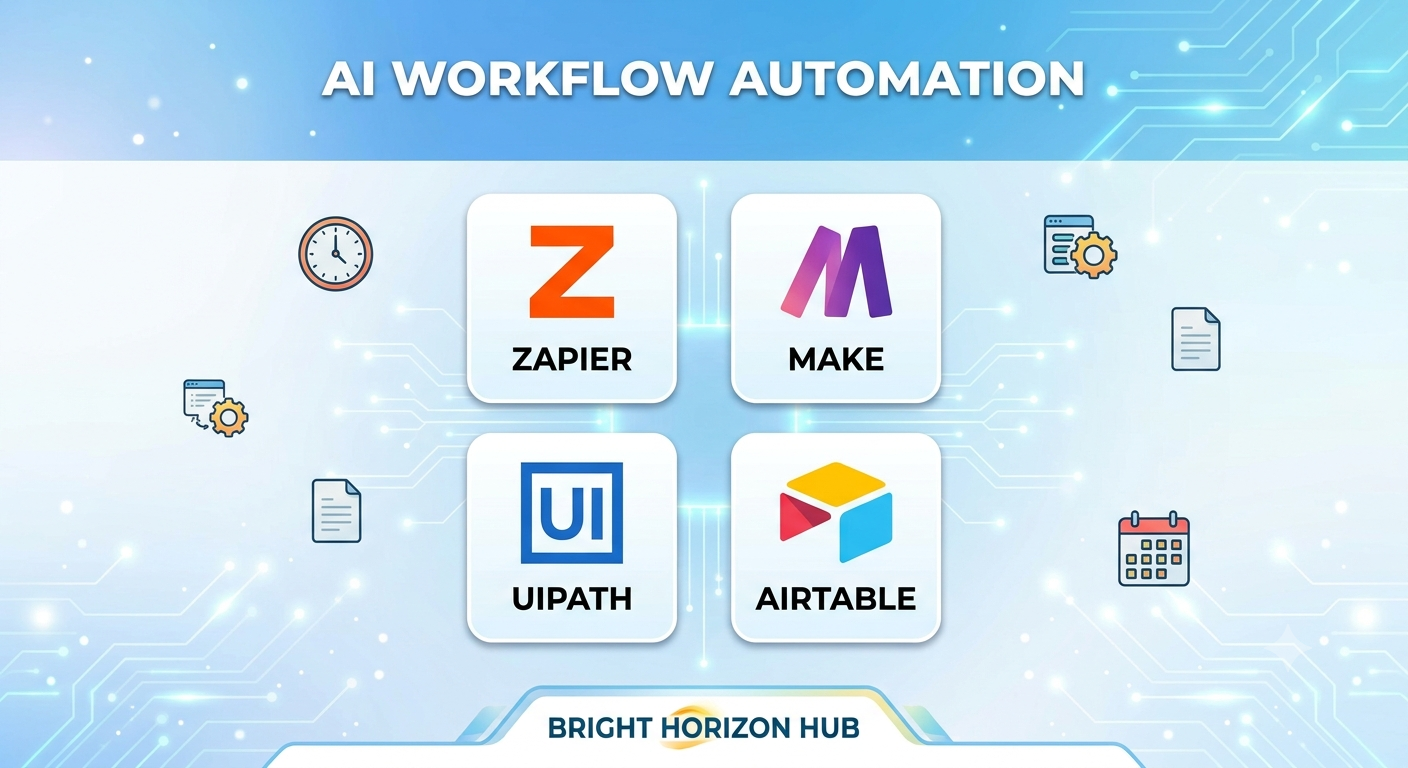
1. Zapier
Zapier is one of the most beginner-friendly workflow automation platforms available. It connects thousands of popular applications without requiring technical skills.
Key Features
- No-code automation
- AI-powered workflow creation
- Thousands of app integrations
- Ready-made automation templates
- Easy visual interface
Zapier is ideal for automating email notifications, CRM updates, social media posting, and project management tasks.
2. Make (Formerly Integromat)
Make provides visual workflow automation with greater flexibility than many beginner platforms while remaining easy to learn.
Key Features
- Drag-and-drop workflow builder
- Multi-step automation
- Advanced data handling
- AI service integrations
- Real-time workflow monitoring
It works well for businesses seeking more customization without coding.
3. Microsoft Power Automate
Microsoft Power Automate integrates seamlessly with Microsoft 365 applications, making it an excellent option for organizations already using the Microsoft ecosystem.
Key Features
- Office integration
- AI Builder
- Automated approvals
- Cloud workflows
- Desktop automation
Beginners can automate repetitive office tasks with minimal setup.
4. n8n
n8n is a flexible workflow automation platform that offers both cloud-hosted and self-hosted options. It is suitable for beginners who may eventually want more advanced automation capabilities.
Key Features
- Visual workflow editor
- AI integrations
- Open-source flexibility
- Hundreds of integrations
- Custom automation logic
Its growing community provides helpful tutorials for new users.
5. Notion AI
Notion AI combines productivity management with artificial intelligence to simplify note-taking, content creation, task management, and documentation.
Key Features
- AI writing assistance
- Meeting summaries
- Content generation
- Knowledge management
- Workflow organization
It is an excellent choice for individuals managing projects and personal productivity.
Features to Look for in an AI Automation Platform
Selecting the right platform depends on your goals and technical comfort level.
User-Friendly Interface
A clean dashboard and visual workflow builder make automation easier for beginners.
No-Code Workflow Builder
Look for drag-and-drop functionality that eliminates the need for programming.
AI-Powered Features
Choose platforms offering AI-generated suggestions, smart recommendations, and intelligent automation.
App Integrations
The best platforms connect with commonly used tools like:
- Gmail
- Slack
- Google Drive
- Microsoft Teams
- Trello
- Asana
- HubSpot
- Shopify
Workflow Templates
Pre-built templates help beginners launch automations quickly without designing workflows from scratch.
Security and Privacy
Ensure the platform follows strong security standards and protects sensitive business data.
Common Ways Beginners Use AI Automation
AI automation can simplify many daily activities.
Popular beginner use cases include:
Email Automation
Automatically organize emails, send replies, or create follow-up reminders.
Social Media Scheduling
Generate captions with AI and publish content automatically across multiple platforms.
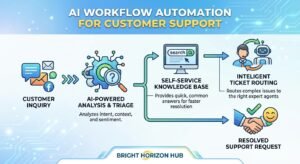
Customer Support
Use AI chatbots to answer common questions and route customer inquiries.
Content Creation
Generate blog outlines, marketing copy, product descriptions, and summaries using AI assistants.
Project Management
Automatically assign tasks, send notifications, and update project statuses.
Data Entry
Transfer information between applications without manual copying and pasting.
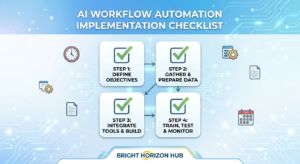
Tips for Getting Started with AI Automation
Beginners often achieve the best results by starting small.
Automate One Process First
Choose one repetitive task, such as organizing emails or creating meeting reminders, before expanding to larger workflows.
Use Ready-Made Templates
Templates reduce setup time and help you understand how workflows function.
Test Before Deployment
Run your automation several times to verify that every step works correctly.
Monitor Performance
Review workflow performance regularly and adjust automations as your business grows.
Future of AI Automation Platforms
AI automation continues to evolve rapidly. Future platforms will offer more intelligent decision-making, predictive automation, voice-based workflow creation, and personalized recommendations.
Generative AI will become increasingly integrated into automation platforms, enabling users to create workflows simply by describing what they want in plain language. As technology advances, automation will become even more accessible for beginners and businesses of every size.
Conclusion
Choosing the best AI automation platforms for beginners can dramatically improve productivity while reducing repetitive work. Tools like Zapier, Make, Microsoft Power Automate, n8n, and Notion AI provide intuitive interfaces, powerful AI capabilities, and flexible workflow automation without requiring coding skills.
The key to success is starting with simple automations, learning through hands-on experience, and gradually expanding your workflows as your confidence grows. By adopting beginner-friendly AI automation platforms today, individuals and businesses can save time, increase efficiency, and stay competitive in an increasingly digital world.