
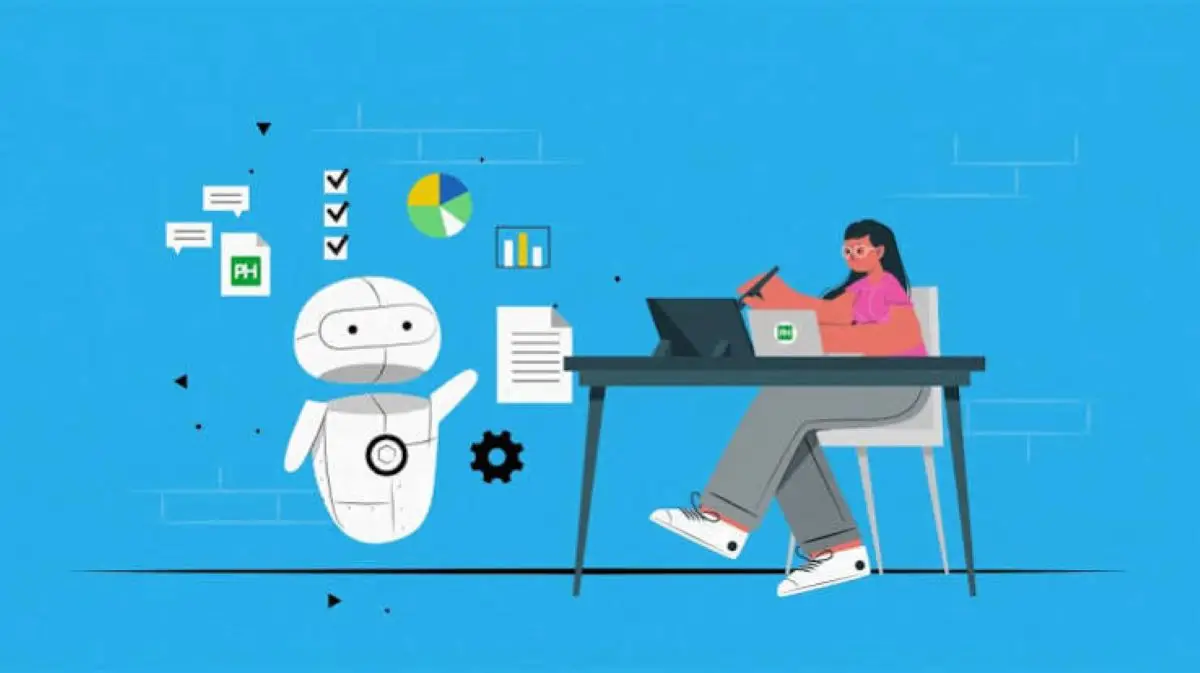
Repetitive business tasks can consume hours of valuable time every week. Activities such as sending emails, entering customer information, scheduling appointments, preparing invoices, and updating spreadsheets are necessary, but they often prevent employees from focusing on more important responsibilities.
For small businesses and startups, hiring additional staff to manage these activities may not be financially practical. Fortunately, low-cost software for repetitive business tasks offers an affordable way to improve productivity, reduce manual work, and streamline daily operations.
With the right automation tools, businesses can complete routine activities more consistently while keeping operating expenses under control.
What Is Business Task Automation?
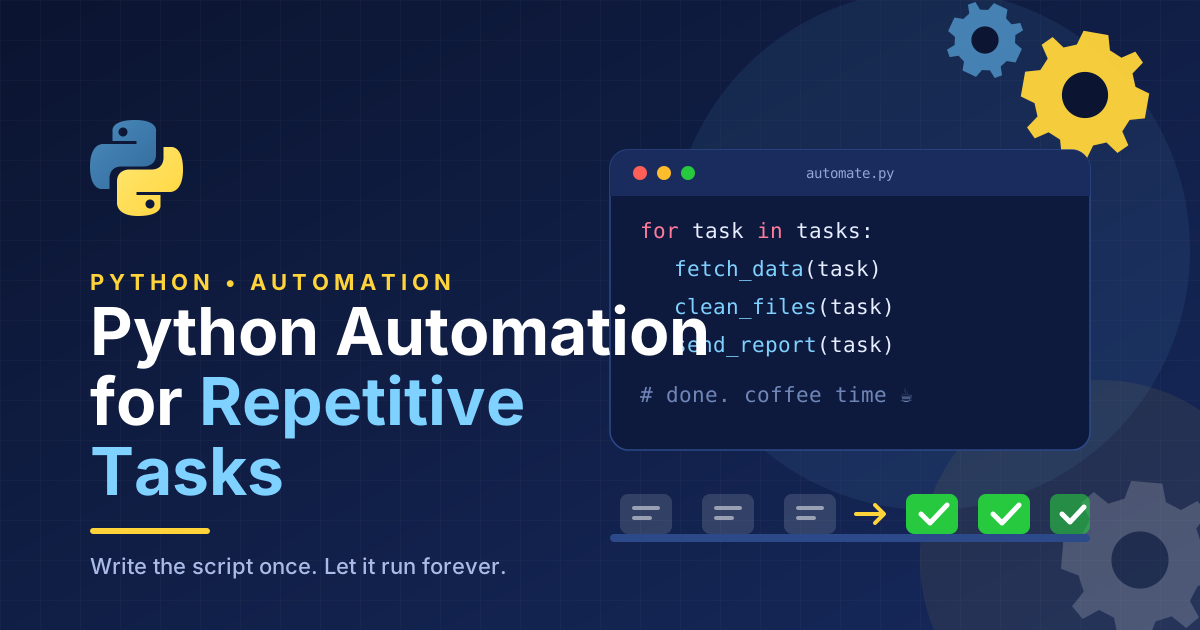
Business task automation involves using software to perform routine activities with minimal manual involvement. Instead of completing every step individually, employees can create workflows that automatically handle predictable processes.
For example, when a customer submits an online inquiry, an automated system can record the information, send a confirmation email, and notify the appropriate employee.
This approach reduces unnecessary data entry and helps businesses respond more efficiently.
Low-cost business automation software makes these capabilities accessible to companies that cannot afford expensive enterprise systems.
MUST READ:Low cost technology solutions for small businesses
Why Small Businesses Need Affordable Automation Software
Small businesses often operate with limited employees, budgets, and resources. Repetitive administrative work can slow down operations and increase the likelihood of mistakes.
Affordable automation software helps address these challenges.
Save Time on Daily Operations
Automating routine activities allows employees to spend less time on administrative responsibilities.
Instead of manually sending appointment reminders or copying information between applications, workers can focus on customer service, sales, planning, and business development.
Reduce Human Errors
Manual processes can lead to missed emails, incorrect data entries, and forgotten follow-ups.
Automation reduces these risks by following predefined instructions consistently. However, businesses should still review important transactions and establish safeguards for unusual situations.
Control Business Expenses
Many automation platforms offer free plans, affordable monthly subscriptions, or pay-as-you-go pricing.
Small businesses can begin with basic features and upgrade only when their requirements increase. This makes it easier to improve operational efficiency without making a large upfront investment.
Best Types of Low-Cost Software for Repetitive Business Tasks
Different automation tools solve different business problems. The most effective choice depends on which activities consume the most time.
1. Workflow Automation Software
Workflow automation software connects different applications and allows information to move between them automatically.
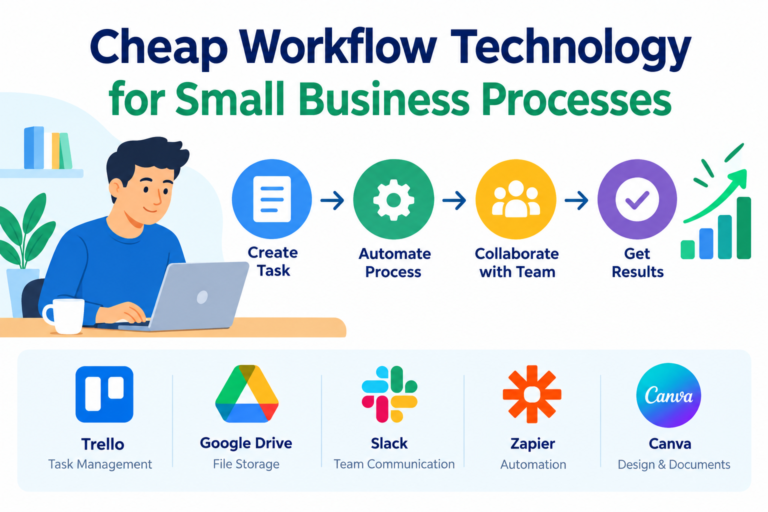
Platforms such as Zapier and Make help businesses create workflows using triggers and actions.
For example, a business can create a workflow that adds new website inquiries to a spreadsheet and sends a notification to its sales team.
These tools are particularly useful for lead management, customer onboarding, task notifications, and routine data transfers.
Businesses should compare available integrations, automation limits, and subscription costs before selecting a platform.
2. Email Automation Software
Email automation helps businesses send scheduled messages and predefined responses without writing every email manually.
Small companies can use email tools to welcome new subscribers, confirm customer inquiries, share product updates, and send follow-up messages.
For example, an online store can automatically send an order confirmation after a customer completes a purchase.
Automated emails should remain relevant and personalized. Businesses should also respect customer consent and applicable email marketing regulations.
3. Accounting and Invoicing Software
Financial administration is another area where repetitive tasks can be reduced.
Affordable accounting software can simplify invoice creation, payment reminders, expense tracking, and financial recordkeeping.
Instead of preparing every invoice from scratch, businesses can use reusable templates and recurring billing features.
Some applications also connect with payment platforms and bank accounts, reducing the need for manual reconciliation.
Financial automation should always include appropriate review procedures to help prevent incorrect payments and reporting errors.
4. Project Management and Task Automation
Project management software helps teams organize work, assign responsibilities, and monitor deadlines.
Tools such as Trello and Asana offer task management features that can reduce repetitive coordination.
For example, a team can create a workflow that automatically assigns a task when a project moves to a new stage.
Automated reminders can also notify employees about upcoming deadlines and overdue assignments.
These features are useful for marketing teams, agencies, freelancers, and businesses managing multiple projects simultaneously.
5. Customer Support Automation
Customer support teams frequently answer similar questions about orders, delivery times, account access, and business policies.
Affordable customer service software can reduce this workload through automated responses, help desk systems, and chatbots.
A chatbot can answer common questions using approved information or direct customers to relevant support resources.
More complicated issues should be transferred to a human employee. This ensures customers receive appropriate assistance when automation cannot provide a satisfactory answer.
How to Choose the Right Business Automation Software
Selecting the cheapest application is not always the best decision. Businesses should evaluate whether a tool solves a real problem and fits their existing operations.
Identify Your Most Time-Consuming Tasks
Begin by reviewing daily and weekly responsibilities. Identify activities that are repetitive, predictable, and performed frequently.
Common examples include:
- Entering customer information into spreadsheets.
- Sending routine emails and appointment reminders.
- Preparing invoices and payment notifications.
- Updating project statuses.
- Organizing customer inquiries.
Choose one task that creates a noticeable workload and start there.
Compare Features and Total Costs
Before selecting software, compare its free plan, paid features, integration options, and usage limits.
Some platforms charge according to the number of automated tasks, users, or monthly operations. A low starting price can become expensive when usage increases.
Also consider training, maintenance, and the time required to configure workflows.
Test Before Making a Commitment
Use a free trial or basic plan to evaluate the software in a real business environment.
Check whether the automation works reliably, handles unexpected situations, and saves enough time to justify its cost.
Avoid purchasing several overlapping applications before understanding what your business actually needs.
Practical Examples of Business Automation
Consider a small digital marketing agency that receives multiple client inquiries each day.
Without automation, employees may need to copy contact information, send confirmation emails, assign follow-up tasks, and update project records manually.
A simple automated workflow could handle these activities:
1. Customer submits an inquiry
A form collects the customer’s contact details and requirements.
2. Software records the information
The contact is added to a customer database or CRM.
3. Automated follow-up begins
The customer receives a confirmation, and the sales team receives a notification.
This workflow reduces manual coordination while helping the agency respond more consistently.
Common Mistakes to Avoid
Business automation can create problems when implemented without proper planning.
One common mistake is automating a process that is already inefficient. Businesses should simplify the workflow before introducing software.
Another mistake is relying entirely on automation for important decisions. Financial approvals, sensitive customer requests, and unusual transactions may require human review.
Businesses should also avoid collecting unnecessary customer information and should protect sensitive data through appropriate access controls.
Finally, automated workflows need occasional monitoring. Applications change, integrations fail, and business requirements evolve.
Conclusion
Low-cost software for repetitive business tasks provides small businesses with a practical way to save time, reduce administrative work, and improve operational efficiency.
Workflow automation, email marketing software, accounting applications, project management platforms, and customer support tools can all help simplify everyday responsibilities.
The best approach is to identify one repetitive task, select an affordable solution, and measure the results before expanding automation across the business.
By focusing on practical improvements rather than unnecessary technology, small businesses can build more efficient operations, support their employees, and create room for sustainable growth.








One thought on “Low-Cost Software for Repetitive Business Tasks”