
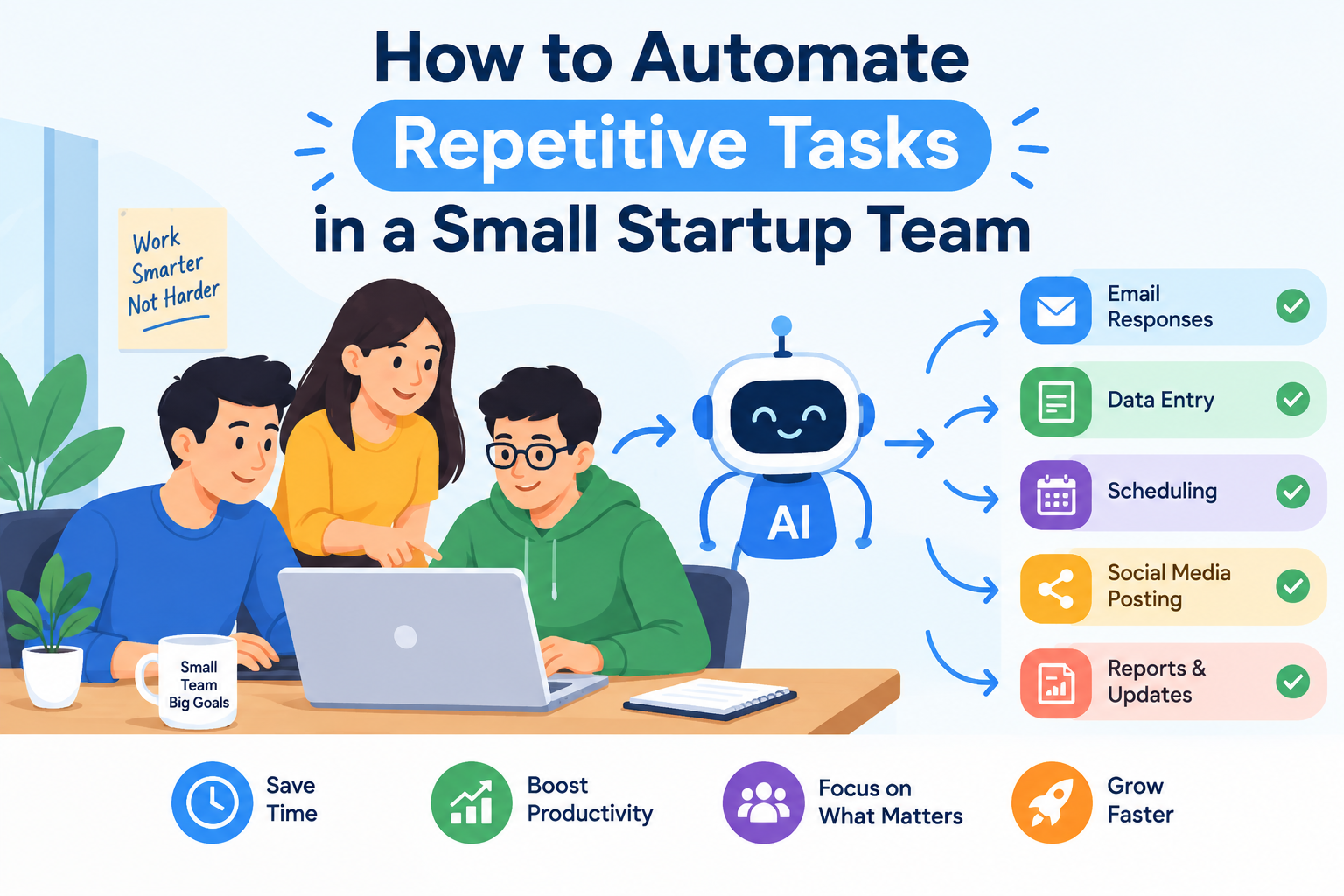
Small startup teams often wear multiple hats. A single employee might handle customer support, marketing, and administrative work all in the same day. While this flexibility is part of what makes startups agile, it also means valuable time gets consumed by repetitive, low-value tasks.
Learning how to automate repetitive tasks isn’t just about saving time—it’s about protecting the limited bandwidth of a small team so it can focus on growth, product development, and customers. This guide breaks down practical, actionable ways to introduce automation without overwhelming your team or your budget.
Why Repetitive Tasks Hurt Small Teams More
In a larger company, repetitive work can be absorbed across departments. In a startup with five or ten people, the same tasks fall on the same few individuals, day after day.
The Hidden Cost of Manual Work
Every manual task—copying data between spreadsheets, sending the same follow-up email, updating a project tracker—adds up. Over a month, these small tasks can consume dozens of hours that could have gone toward strategic work.
Burnout Risk in Lean Teams
Startups already ask a lot of their employees. Repetitive administrative work adds mental fatigue without contributing to meaningful output, which increases the risk of burnout and turnover in a team that can’t easily absorb the loss of a key person.
Step 1: Identify Which Tasks Should Be Automated
Before adopting any tool, it’s important to know what actually needs automating. Not every task is a good candidate.
Must Read:AI workflow automation software for startups
Look for Tasks That Are Repetitive and Rule-Based
Tasks performed the same way every time—like sending invoices, updating spreadsheets, or scheduling meetings—are ideal for automation because they follow predictable logic.
Track Time Spent on Manual Processes
Ask team members to log how much time they spend on routine tasks for one week. This creates a clear picture of where automation will have the biggest impact.
Prioritize by Impact and Frequency
Focus first on tasks that happen often and take up significant time, rather than tasks that are rare but complex. Quick wins build momentum and buy-in from the team.
Step 2: Choose the Right Tools for Your Workflow
Once you know what to automate, the next step is selecting tools that fit your existing systems.
No-Code Automation Platforms
Tools with drag-and-drop interfaces allow non-technical team members to build workflows without writing code. These platforms are especially useful for startups without dedicated engineering resources.
Integration-Friendly Software
Choose tools that connect easily with the apps your team already uses, such as email, calendars, CRMs, or project management software. Poor integration often creates more manual work rather than less.
Scalable Solutions
Pick tools that can grow with your team. A solution that works for five employees should ideally still function well when the team doubles or triples in size.
Step 3: Automate Common Startup Workflows
Certain processes tend to benefit almost every small team, regardless of industry.
Email and Communication
Automated email sequences can handle onboarding messages, follow-ups, and reminders, reducing the need for manual outreach on every single interaction.
Data Entry and Reporting
Instead of manually transferring information between tools, automation can sync data across platforms and generate reports on a set schedule.
Task and Project Management
Automated task assignments, deadline reminders, and status updates keep projects moving without requiring someone to manually track every detail.
Customer Support
Simple, frequently asked questions can be handled through automated responses or chatbots, allowing your team to focus on more complex customer needs.
Step 4: Build a Culture That Supports Automation
Technology alone won’t solve the problem. The way a team adopts automation matters just as much as the tools chosen.
Involve the Team Early
Employees who perform a task daily often have the best insight into how it can be simplified. Involving them in the process increases adoption and improves the quality of the automated workflow.
Start Small and Expand Gradually
Rather than automating everything at once, begin with one or two processes. This allows the team to adjust and reduces the risk of disruption.
Review and Refine Regularly
Automated workflows aren’t static. As the business evolves, revisit existing automations to ensure they still match current needs.
Common Mistakes to Avoid
Automating a Broken Process
Automation speeds up whatever process it’s applied to—including inefficient ones. Fix the underlying workflow first, then automate it.
Over-Automating Human-Centric Tasks
Some tasks, like personalized customer conversations or creative decision-making, still benefit from a human touch. Automation should support these interactions, not replace them entirely.
Ignoring Team Feedback
If a tool creates more confusion than it solves, it defeats the purpose. Regular check-ins help catch these issues early.
Final Thoughts
Automating repetitive tasks is one of the most practical ways a small startup team can reclaim time and reduce operational strain. The goal isn’t to replace people, but to remove the manual busywork that keeps them from doing their best work.
By identifying the right tasks, choosing well-integrated tools, and building team buy-in along the way, even the smallest startup can operate with far greater efficiency—without adding unnecessary complexity or cost.










2 thoughts on “How to Automate Repetitive Tasks in a Small Startup Team”