Businesses are constantly looking for ways to save time, reduce repetitive work, and improve productivity. AI workflow automation tools make these goals easier by combining artificial intelligence with automated processes. They can organize information, manage customer inquiries, generate content, connect applications, and complete routine business tasks with less manual effort. Whether you run a small business, manage a marketing agency, or work as a freelancer, automation can help you focus on important activities.
However, choosing the right platform is not always easy because every tool offers different features and integrations. This guide explores the best AI workflow automation tools, their features, benefits, limitations, and practical business uses.
What Are AI Workflow Automation Tools?
AI workflow automation tools are software platforms that use artificial intelligence to automate tasks and coordinate activities across different applications. They help businesses create workflows that respond to specific events, process information, and perform actions automatically.
Traditional automation usually follows predefined instructions. AI-powered automation can also interpret information, classify data, generate responses, and support decisions using machine learning or language models.
For example, an online store can automatically collect customer inquiries, categorize their messages, prepare responses, and send complicated requests to a support representative.
1. Zapier
Best for Connecting Different Applications
<escape>Zapier</escape> is one of the most popular automation platforms for connecting applications and building workflows without extensive programming knowledge.
It allows users to create automated processes called Zaps. These workflows connect different applications through triggers and actions.
Key Features:
- Connects thousands of applications.
- Automates repetitive business tasks.
- Offers AI-powered workflow capabilities.
- Supports multi-step automation.
- Provides tools for building AI agents.
Best Use Cases: Email management, lead generation, marketing automation, customer notifications, and data synchronization.
Zapier is a strong choice for businesses that want to connect existing software without building custom integrations.
2. Make
Best for Visual Workflow Automation
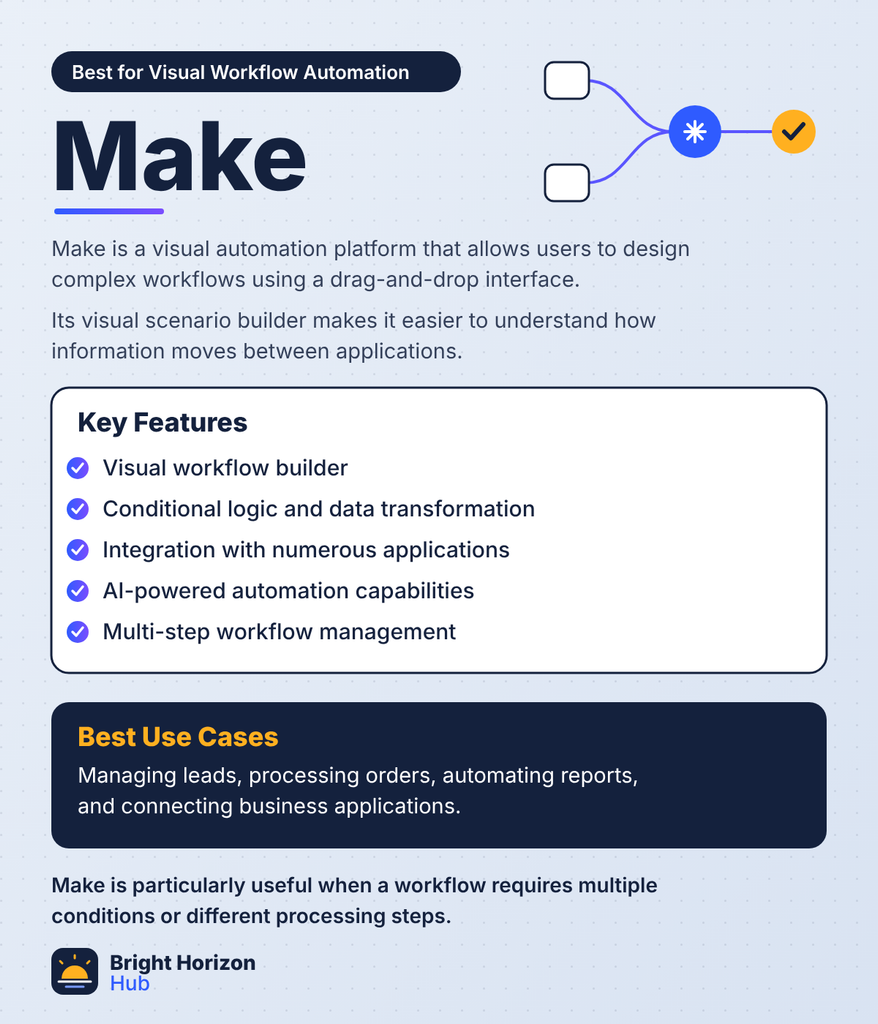
Make is a visual automation platform that allows users to design complex workflows using a drag-and-drop interface.
Its visual scenario builder makes it easier to understand how information moves between applications.
Key Features:
- Visual workflow builder.
- Conditional logic and data transformation.
- Integration with numerous applications.
- AI-powered automation capabilities.
- Multi-step workflow management.
Best Use Cases: Managing leads, processing orders, automating reports, and connecting business applications.
Make is particularly useful when a workflow requires multiple conditions or different processing steps.
3. n8n
Best for Customizable AI Automation
n8n is a flexible workflow automation platform that combines application integrations with AI capabilities. It is especially attractive to developers and technically confident users.
It supports self-hosting, allowing businesses to maintain greater control over their automation infrastructure.
Key Features:
- Visual workflow editor.
- AI agent and language model integrations.
- Custom JavaScript and Python support.
- Self-hosting options.
- Advanced workflow logic.
Best Use Cases: AI assistants, document processing, API integrations, and customized business automation.
If you need more control over how your workflows operate, n8n is worth exploring.
4. Microsoft Power Automate
Best for Microsoft 365 Users
Microsoft Power Automate helps organizations automate repetitive processes across Microsoft applications and connected services.
It works particularly well with tools such as Excel, Outlook, SharePoint, and Teams.
Key Features:
- Desktop and cloud automation.
- Integration with Microsoft 365.
- Robotic process automation.
- AI Builder capabilities.
- Automated approvals and notifications.
Best Use Cases: Employee onboarding, invoice processing, document approvals, and internal reporting.
Businesses already using Microsoft products can benefit from its existing ecosystem.
5. UiPath
Best for Enterprise Automation
UiPath is an enterprise automation platform focused on robotic process automation and intelligent business processes.
It helps organizations automate repetitive tasks involving websites, desktop applications, documents, and business systems.
Key Features:
- Robotic process automation.
- Document processing.
- AI-powered automation capabilities.
- Enterprise workflow management.
- Process discovery and monitoring.
Best Use Cases: Financial operations, insurance processing, administrative work, and large-scale business processes.
UiPath is more suitable for organizations with complex automation requirements than individuals looking for simple task connections.
6. Workato
Best for Enterprise Integration
Workato combines workflow automation, application integration, and AI-powered business processes.
It allows organizations to coordinate information across departments and connect different business systems.
Key Features:
- Enterprise application integration.
- Automated business processes.
- AI-powered workflow capabilities.
- Data synchronization.
- Governance and security controls.
Best Use Cases: CRM automation, finance operations, employee management, and enterprise data workflows.
Workato is a useful option for companies that need reliable automation across multiple departments.
7. Pipedream
Best for Developers and API Automation
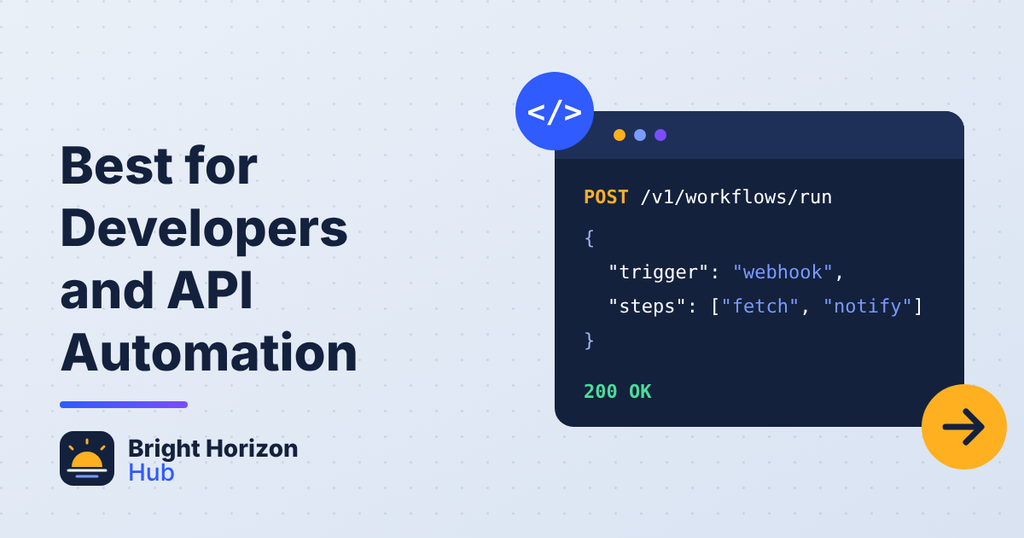
Pipedream is a developer-focused automation platform designed to connect APIs, services, and custom code.
It supports flexible workflows and provides access to programming environments for more advanced automation requirements.
Key Features:
- API integrations.
- Custom code execution.
- Event-driven workflows.
- AI model integrations.
- Workflow debugging tools.
Best Use Cases: API automation, data processing, custom integrations, and developer productivity.
Pipedream is especially valuable when standard no-code integrations cannot handle a specific technical requirement.
8. Lindy
Best for AI Assistants and Business Tasks
Lindy focuses on AI assistants that can help complete everyday business activities. Users can create assistants for tasks such as managing emails, scheduling meetings, and organizing information.
Key Features:
- AI assistant creation.
- Email and calendar automation.
- Business application integrations.
- Automated task handling.
- Natural-language workflow configuration.
Best Use Cases: Meeting preparation, customer communication, email organization, and administrative support.
It is worth considering when you want AI assistants to handle recurring tasks rather than simply connecting applications.
9. Bardeen
Best for Browser-Based Automation
Bardeen helps users automate repetitive activities involving websites, browser-based applications, and business data.
It is useful for people who regularly collect information from websites or transfer information between online services.
Key Features:
- Browser automation.
- Data extraction.
- Application integrations.
- AI-assisted task automation.
- Reusable automation workflows.
Best Use Cases: Lead research, prospect data collection, recruiting tasks, and online research.
Its browser-focused approach makes it useful for marketing and sales professionals.
10. Relay.app
Best for Human-in-the-Loop Automation
Relay.app combines workflow automation with AI assistance and human approval steps.
This approach is useful when automated processes require someone to review information before an important action takes place.
Key Features:
- Visual workflow builder.
- AI-powered workflow steps.
- Human approval checkpoints.
- Application integrations.
- Automated task management.
Best Use Cases: Content approval, sales operations, customer support, and internal business processes.
It is a practical choice for businesses that want automation without removing human oversight.
Key Benefits of AI Workflow Automation Tools
AI automation can improve how businesses manage everyday operations. However, its value depends on choosing the right processes and implementing them correctly.
1. Save Time on Repetitive Tasks
Automation can handle routine activities such as sending notifications, updating spreadsheets, organizing information, and assigning tasks. Employees can spend more time on work that requires human judgment.
2. Reduce Manual Errors
Manual data entry and repeated information transfers can create mistakes. Automated workflows reduce unnecessary handling and help maintain consistent processes.
3. Improve Business Productivity
When different applications communicate automatically, employees spend less time switching between platforms. This can make everyday operations more efficient.
4. Support Better Customer Experiences
AI-powered workflows can classify customer inquiries, send initial responses, and direct complex requests to the appropriate team.
5. Scale Business Operations
As a company grows, the number of routine tasks often increases. Automation helps manage additional workloads without requiring every process to be handled manually.
How to Choose the Right AI Workflow Automation Tool
Selecting automation software requires more than comparing feature lists. You should understand your business requirements before investing in a platform.
Consider these important factors:
- Ease of use: Choose an interface that matches your technical experience.
- Integrations: Check whether the platform supports your existing applications.
- AI capabilities: Identify whether you need AI agents, document processing, or simple automated actions.
- Pricing: Compare subscription costs, usage limits, and additional charges.
- Security: Review access controls, data handling, and compliance requirements.
- Scalability: Select software that can support your future business requirements.
Start with one repetitive process and test it before automating your entire operation.
Real-World Applications of AI Workflow Automation
AI automation has practical applications across different industries.
| Industry | Example automation |
| Digital marketing | Schedule content and organize leads |
| E-commerce | Process orders and customer inquiries |
| Education | Organize student information and notifications |
| Healthcare | Support administrative document workflows |
| Finance | Extract invoice information and route approvals |
| Sales | Qualify leads and update CRM records |
These examples demonstrate how automation can support different business activities. Sensitive decisions, financial approvals, and important customer communications should still receive appropriate human review.
Are AI Workflow Automation Tools Worth Using?
Yes, when they solve a genuine business problem. They can reduce repetitive work, improve consistency, and help teams manage complicated processes.
However, automation is not automatically beneficial. Poorly designed workflows can create duplicate records, send incorrect messages, or move inaccurate information between applications.
The best approach is to automate predictable tasks first, monitor the results, and gradually introduce more advanced AI features.
Conclusion
AI workflow automation tools are changing how businesses manage everyday operations. Platforms such as Zapier, Make, n8n, Microsoft Power Automate, and UiPath offer different ways to connect applications, process information, and reduce manual work.
The right choice depends on your technical skills, budget, business size, and automation requirements. Beginners may prefer simple visual platforms, while developers and large organizations may need more customizable solutions.
Start small, measure the time saved, and improve your workflows as your requirements grow. Remember that successful automation is not about automating everything. It is about making important business processes faster, more reliable, and easier to manage.