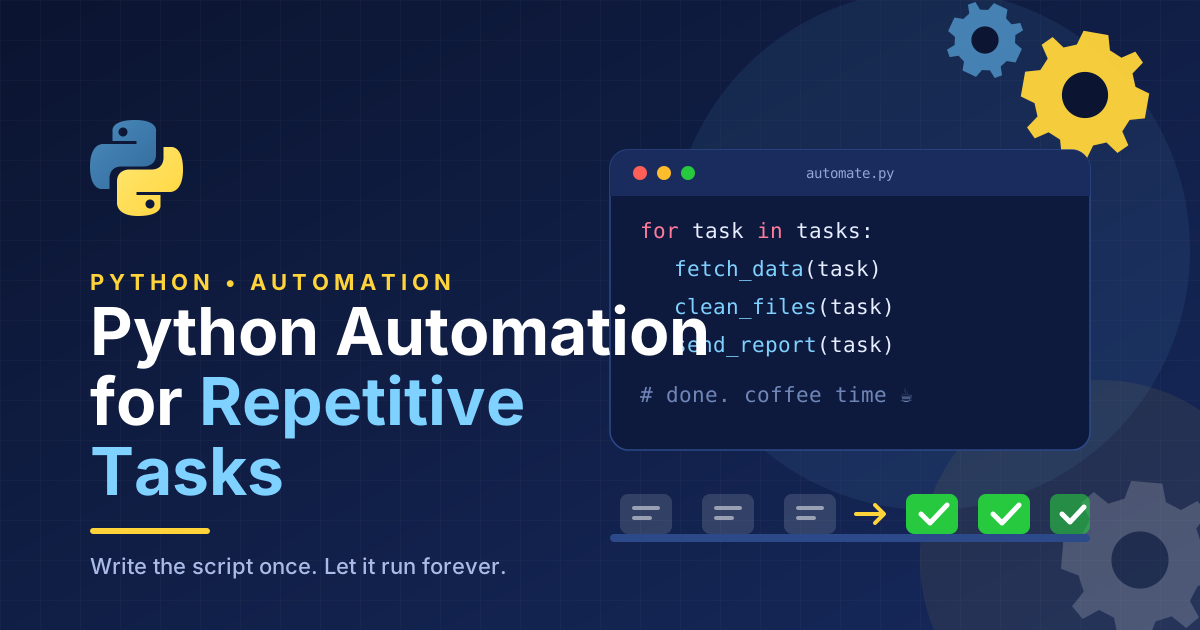
Repetitive tasks consume valuable time in workplaces, businesses, and everyday digital activities. Whether you are organizing files, processing spreadsheets, sending routine emails, or collecting information from multiple sources, performing the same actions manually can reduce productivity and increase the risk of errors.
Python automation for repetitive tasks offers a practical way to simplify these activities. Python is a beginner-friendly programming language that allows users to create scripts to perform routine operations automatically. With a few lines of code, you can save time, improve accuracy, and focus on more important work.
In this guide, you will learn how Python automation works, which tasks you can automate, which tools are useful, and how beginners can get started.
What Is Python Automation?
Python automation is the process of using Python scripts to complete tasks that would otherwise require repeated manual effort. Instead of opening files, copying information, renaming documents, or calculating values individually, you can write a program that performs these actions automatically.Python Programming Guide for Beginners
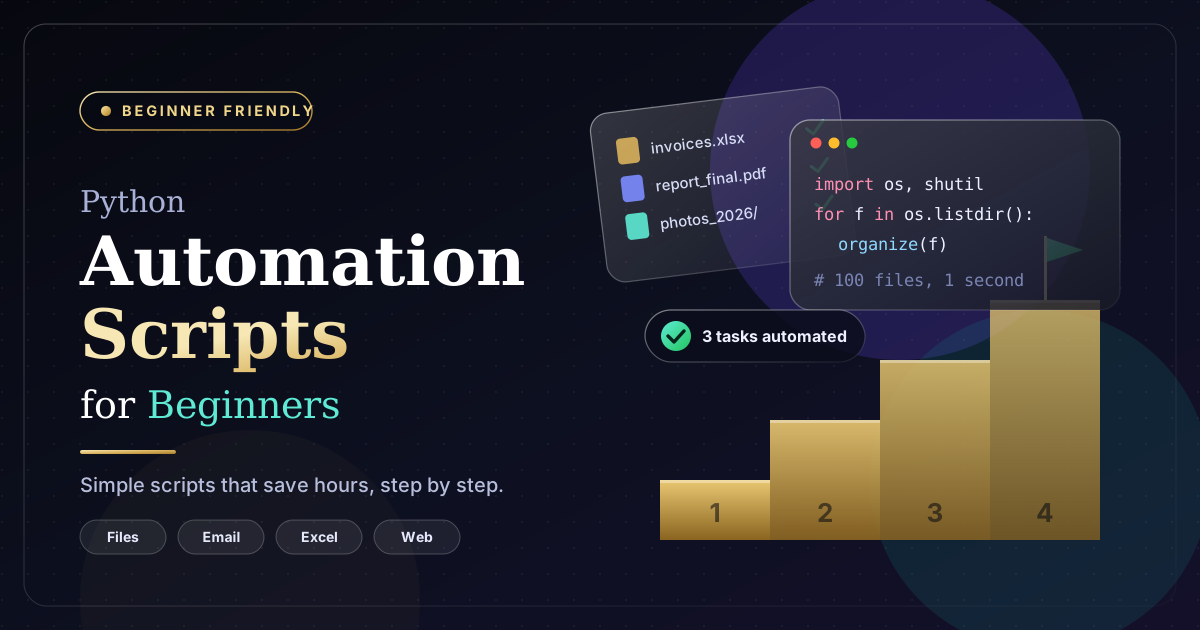
For example, imagine downloading hundreds of invoices and organizing them into separate folders. Doing this manually could take hours. A Python script can identify file types, rename documents, and move them into the correct locations in a fraction of the time.
Python automation is useful for individuals, small businesses, software developers, marketers, and administrative teams.
Benefits of Automating Repetitive Tasks With Python
1. Save Time and Increase Productivity
Automation reduces the time required to complete routine activities. Tasks that previously took several minutes can often be completed in seconds once a script is properly configured.
This allows employees and business owners to concentrate on planning, customer service, problem-solving, and other activities that require human judgment.
2. Reduce Human Errors
Manual work can lead to typing mistakes, incorrect calculations, missing information, and misplaced files. Python scripts follow predefined instructions consistently, helping reduce these common problems.
However, automation is only as reliable as its code and input data. Testing scripts and checking their results remain essential.
3. Reduce Operational Costs
Businesses can automate repetitive administrative processes without purchasing expensive enterprise software for every task. Python provides many free libraries that support file management, spreadsheet processing, reporting, and other operations.
For small teams, this can be an affordable approach to improving operational efficiency.
4. Handle Large Amounts of Data
Python can process thousands of files or spreadsheet rows far more efficiently than manual workflows. This makes it useful for businesses that regularly handle customer records, inventory lists, financial reports, or marketing data.
Common Tasks You Can Automate With Python
File and Folder Management
Python can automatically rename files, organize documents by type, create folders, and remove duplicate files after appropriate checks.
The os, pathlib, and shutil modules provide useful functions for working with files and directories.
For example, you could create a script that moves PDF invoices into an invoices folder while keeping images and text documents separate.
Spreadsheet Automation
Many businesses use spreadsheets to manage sales, inventory, employee records, and customer information. Updating these documents manually can become time-consuming.
Python libraries such as openpyxl and pandas help automate spreadsheet operations, including cleaning data, combining worksheets, calculating totals, and generating reports.
These tools are particularly helpful when the same spreadsheet process must be repeated daily or weekly.
Email Automation
Python can support routine email workflows, such as sending notifications, preparing reports, or distributing scheduled updates.
The built-in smtplib and email modules can help with email delivery and message creation. However, modern email services may require secure authentication or approved APIs.
Always protect credentials and avoid sending unsolicited bulk messages.
Web Data Collection
Some tasks involve collecting publicly available information from websites. Python libraries such as requests and BeautifulSoup can retrieve and parse web pages when access is permitted.
For example, a business might collect product information from its own website to prepare an internal report.
Before automating web data collection, review the website’s terms, access restrictions, and applicable privacy requirements. Use official APIs when available.
Automated Reports
Python can generate recurring reports from spreadsheets, databases, or other data sources. A script might calculate weekly sales, summarize customer activity, and save the results in a CSV or Excel file.
Automated reporting helps teams access consistent information without repeating the same calculations manually.
Best Python Libraries for Task Automation
Several Python libraries make automation easier for beginners and experienced developers.
- os: Helps interact with operating system features and directories.
- pathlib: Provides a convenient way to work with file paths.
- shutil: Supports copying, moving, and organizing files.
- pandas: Simplifies data cleaning, analysis, and spreadsheet-style processing.
- openpyxl: Reads and modifies Excel workbooks.
- requests: Sends HTTP requests to websites and APIs.
- BeautifulSoup: Extracts information from HTML documents.
- smtplib: Supports email sending through compatible mail servers.
You do not need to learn every library at once. Start with the tools that match your daily tasks.
How to Get Started With Python Automation
Step 1: Learn Basic Python Concepts
Begin with variables, data types, loops, conditional statements, functions, and error handling. These concepts help you understand how a script makes decisions and repeats actions.
Step 2: Identify a Repetitive Task
Choose a small task that you perform regularly, such as renaming files or combining spreadsheet data. A clearly defined task is easier to automate and test.
Step 3: Write a Simple Script
Consider this example, which lists all PDF files in a folder:
from pathlib import Path
folder = Path(“documents”)
for file in folder.glob(“*.pdf”):
print(file.name)
This script searches the documents folder and displays the names of PDF files. It is a simple starting point for building more advanced file-processing workflows.
Step 4: Test Before Using Automation
Test your script with sample files or copied data before applying it to important documents. Check the output, handle possible errors, and make sure the program does not overwrite or delete valuable information unexpectedly.
Step 5: Schedule the Task
Once the script works reliably, you can schedule it to run automatically. Windows Task Scheduler and cron on Linux or macOS are common options.
Scheduling allows Python scripts to perform routine tasks at specific times without requiring you to launch them manually.
Best Practices for Reliable Python Automation
Successful automation requires more than writing code. Follow these practices to make your scripts dependable:
- Keep scripts simple and focused on a clearly defined task.
- Use meaningful filenames and organized project folders.
- Add error handling for missing files, invalid data, and network problems.
- Protect passwords, API keys, and confidential information.
- Maintain backups before modifying important files.
- Record errors and important actions in log files.
- Review automated results regularly, especially when business decisions depend on them.
For critical processes, include alerts or human approval steps when an unexpected result occurs.
Conclusion
Python automation for repetitive tasks is an effective way to improve productivity, reduce manual effort, and simplify everyday digital work. From organizing files and processing spreadsheets to collecting permitted web data and generating reports, Python offers flexible solutions for a wide range of activities.
Beginners do not need advanced programming knowledge to get started. By learning basic Python concepts, selecting one repetitive task, and building a small script, you can begin experiencing the benefits of automation.
The most effective approach is to start small, test carefully, and improve your scripts as your needs grow. Over time, these practical skills can help you build more efficient personal workflows and business processes.



One thought on “Python Automation for Repetitive Tasks: A Complete Beginner’s Guide”