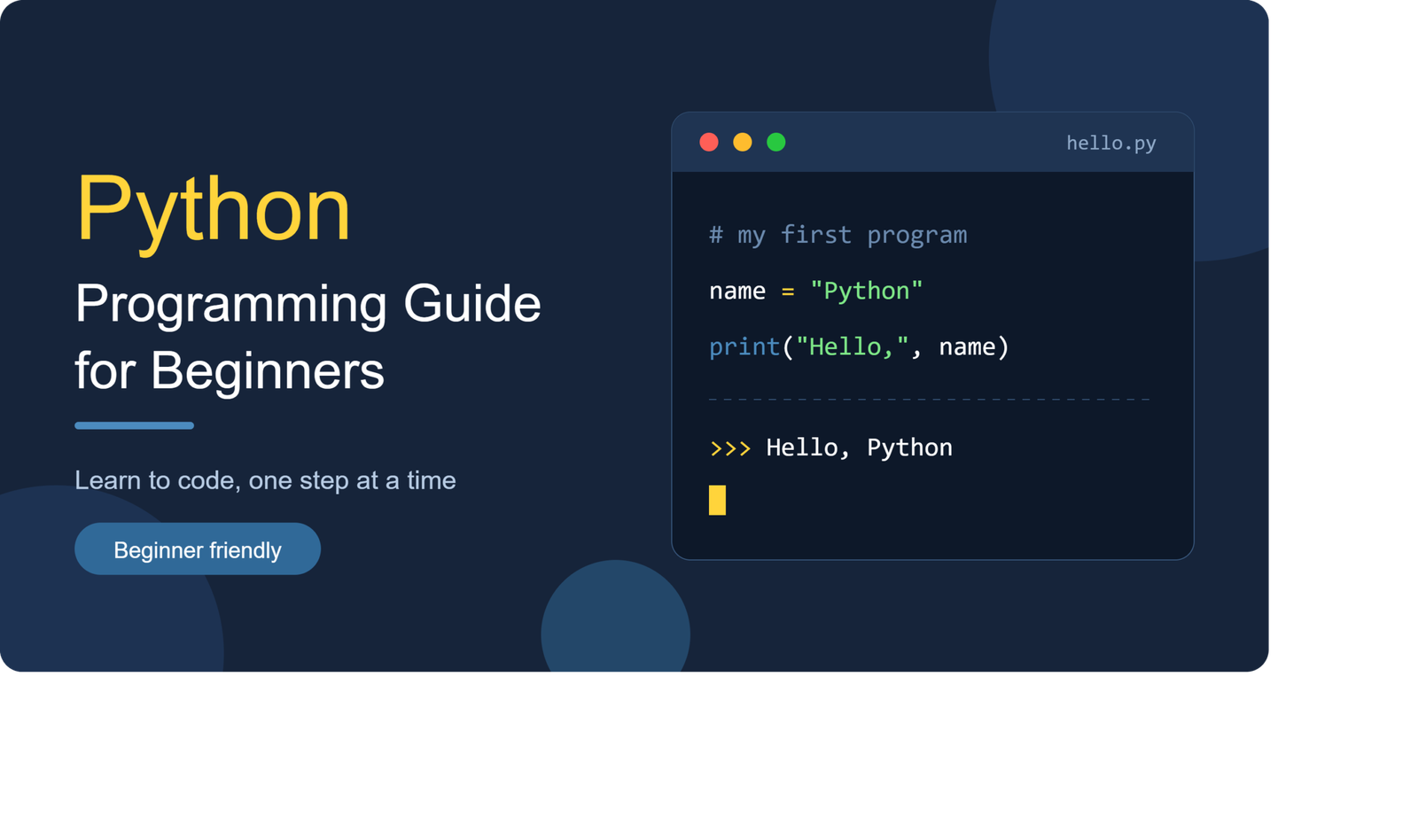
Python has become one of the most popular programming languages for people who want to learn software development, automation, data analysis, artificial intelligence, and web development. Its simple syntax makes it easier to understand than many traditional programming languages, while its extensive ecosystem provides tools for advanced projects.
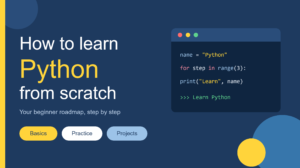
This Python programming guide for beginners explains the fundamentals you need to start writing useful programs and develop strong programming habits.
What Is Python Programming?
Python is a high-level, general-purpose programming language designed with readability and simplicity in mind. Developers use Python for a wide range of applications, including websites, automation scripts, data science, machine learning, cybersecurity, testing, and desktop applications.
One reason Python is beginner-friendly is its straightforward syntax. Instead of dealing with complicated language structures from the beginning, new programmers can focus on understanding programming concepts and solving problems.
Python is also supported by a large developer community, which means beginners can find extensive documentation, tutorials, libraries, and learning resources.
Why Learn Python as a Beginner?
Learning Python can provide a strong foundation for understanding programming.
Easy-to-Understand Syntax
Python code is generally concise and readable. Its syntax often resembles ordinary language, which can make basic programming concepts easier to follow.
For example, a beginner can create a simple output statement with:
print(“Hello, world!”)
This small example introduces an important programming concept without requiring complicated setup.
Wide Range of Applications
Python is not limited to one type of development. It is commonly used for:
- Web development
- Data analysis
- Artificial intelligence
- Machine learning
- Automation
- Scientific computing
- Cybersecurity
- Software testing
- Web scraping
- Application development
This flexibility allows beginners to continue using Python as their skills develop.
Getting Started With Python
The first step is to install a current version of Python on your computer. Python can be used through a terminal, interactive interpreter, or code editor.
Beginners may also choose an integrated development environment, commonly called an IDE, to write and test programs more comfortably.
After installation, start with very small programs. The goal at this stage is not to build a complicated application but to understand how code works.
Python Variables and Data Types
Variables allow programs to store information. Python automatically determines the type of value assigned to a variable.
For example:
name = “Alex”
age = 25
price = 19.99
Here, name contains text, age contains an integer, and price contains a decimal number.
Common Python data types include:
- Strings
- Integers
- Floating-point numbers
- Booleans
- Lists
- Tuples
- Dictionaries
- Sets
Understanding these basic data structures is essential for becoming comfortable with Python programming.
Conditional Statements in Python
Programs often need to make decisions. Python uses conditional statements such as if, elif, and else.
For example:
age = 20
if age >= 18:
print(“Adult”)
else:
print(“Minor”)
Conditional logic allows applications to respond differently depending on information provided by the user or another system.
Understanding Indentation
Python uses indentation to organize blocks of code. This is different from languages that rely heavily on braces to define code blocks.
Consistent indentation is therefore an important part of writing valid and readable Python code.
Python Loops
Loops allow programmers to repeat instructions efficiently.
The two fundamental loop types are for and while.
A for loop is useful when you want to iterate through items:
for number in range(5):
print(number)
A while loop continues running while a specified condition remains true.
Learning loops is important because repetitive tasks appear in almost every real-world programming project.
Python Functions
Functions allow developers to organize reusable pieces of code.
Instead of repeatedly writing the same instructions, you can place them inside a function and call that function whenever necessary.
def greet(name):
return “Hello, ” + name
Functions make programs easier to maintain and help beginners develop better coding habits.
As your skills improve, you can learn about parameters, return values, default arguments, and more advanced function concepts.
Working With Python Lists and Dictionaries
Python provides powerful built-in data structures for storing and organizing information.
A list can contain multiple values:
products = [“Laptop”, “Phone”, “Tablet”]
A dictionary stores information using key-value pairs:
user = {
“name”: “Alex”,
“age”: 25
}
Lists and dictionaries are particularly important because they appear frequently in web applications, APIs, automation scripts, and data processing programs.
Python Modules and Libraries
One of Python’s biggest strengths is its ecosystem of libraries and modules.
A module contains reusable Python code that can be imported into another program. Libraries can provide functionality for tasks that would otherwise require substantial development effort.
For example, Python developers use specialized libraries for data analysis, web development, machine learning, automation, and scientific computing.
Learning how to install, import, and use libraries is an important step toward building practical Python applications.
Common Mistakes Beginners Should Avoid
New programmers often try to learn too many concepts simultaneously. This can make programming unnecessarily confusing.
Start with fundamentals and practice each concept before moving forward.
Another common mistake is copying code without understanding it. Tutorials can be useful, but you should modify examples, experiment with them, and troubleshoot errors yourself.
Ignoring error messages is another problem. Python’s error messages often provide valuable clues about what went wrong.
How to Practice Python Programming
Consistent practice is more valuable than simply watching programming tutorials.
Start with small projects such as:
- A basic calculator
- Number guessing game
- To-do list
- Password generator
- File organizer
- Simple web scraper
- Expense tracker
- Text-based quiz
These projects help transform theoretical knowledge into practical programming skills.
Final Thoughts
Learning Python does not require an advanced technical background. The most important requirements are patience, regular practice, and a willingness to solve problems independently.
This Python programming guide for beginners provides the foundation for understanding variables, data types, conditions, loops, functions, data structures, and libraries.
Once these fundamentals become comfortable, you can explore specialized areas such as web development, automation, data science, artificial intelligence, and machine learning. The key is to build gradually, write code regularly, and focus on understanding why your programs work rather than simply making them run.

3 thoughts on “Python Programming Guide for Beginners: A Practical Introduction”