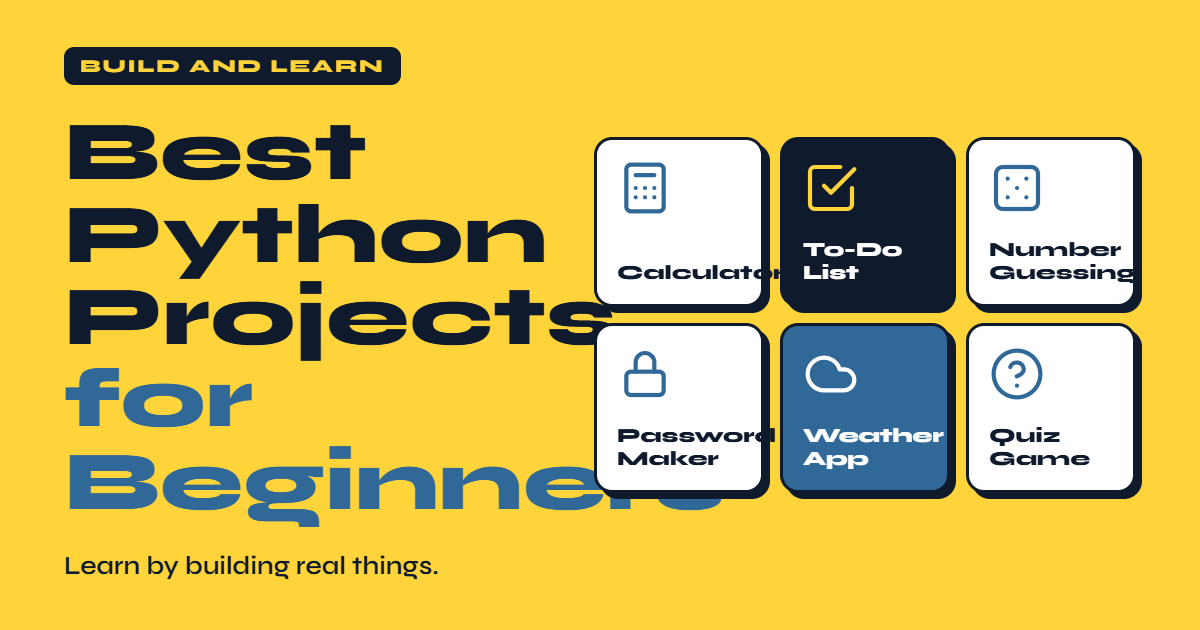
Learning Python is much easier when you move beyond tutorials and start building real projects. Writing code yourself helps you understand programming logic, identify mistakes, and remember concepts for longer.
For new programmers, the best Python projects for beginners are not necessarily complicated applications. Simple projects can teach important skills such as variables, conditional statements, loops, functions, lists, dictionaries, file handling, and user input.
If you are learning Python from scratch, the following project ideas can help you gradually move from basic exercises to practical applications.Python Programming Guide for Beginners
Why Build Python Projects as a Beginner?
Watching tutorials can introduce you to programming concepts, but practical experience is where real learning happens. When you build a project, you have to think about how different pieces of code work together.
Beginner Python projects also help you develop problem-solving skills. You learn how to break a large problem into smaller tasks and solve each task independently.
Projects can also become part of a programming portfolio. As your skills improve, you can replace simple projects with more advanced versions.
1. Python Calculator
A calculator is one of the easiest Python projects for beginners. It can introduce you to variables, user input, arithmetic operators, and conditional statements.
You can start with basic operations such as addition, subtraction, multiplication, and division.
Ideas for Improving the Calculator
After creating the basic version, add features such as:
- Percentage calculations
- Power calculations
- Multiple operations
- Error handling
- A menu-based interface
This simple project can teach you how to process information provided by users.
2. Number Guessing Game
A number guessing game is a fun way to practice Python programming.
The program randomly selects a number, and the player attempts to guess it. The program can tell the player whether the guess is too high or too low.
This project introduces useful concepts including loops, conditions, random numbers, and user input.
You can make the game more interesting by adding a limited number of attempts or a scoring system.
3. To-Do List Application
A to-do list is a practical Python project that teaches beginners how to manage collections of information.
Users can add tasks, view existing tasks, mark tasks as completed, and remove tasks.
What You Can Learn
A basic to-do application can help you practice:
- Lists
- Functions
- Loops
- Conditional statements
- User input
- File storage
Later, you can save tasks in a text file or database so they remain available after the program closes.
4. Password Generator
A password generator is another useful project for Python beginners. It can automatically create random passwords using letters, numbers, and special characters.
This project provides practical experience with Python’s randomization capabilities and string manipulation.
You can allow users to select the desired password length and decide whether numbers or special characters should be included.
The project can also introduce basic discussions around password security and responsible handling of credentials.
5. Quiz Application
A quiz application is an excellent project for practicing Python logic.
The program can display questions with multiple-choice answers and calculate the user’s score at the end.
Features to Add
You could include:
- Multiple categories
- Random questions
- Score tracking
- Correct-answer explanations
- Difficulty levels
- A timer
This project becomes especially valuable because you can continuously expand it as your programming skills improve.
6. Expense Tracker
An expense tracker introduces beginners to a real-world programming problem.
Users can enter expenses, categorize transactions, and calculate their total spending.
For example, expenses could be organized into categories such as food, transportation, shopping, and entertainment.
Skills You Can Practice
An expense tracker can teach you about lists, dictionaries, functions, calculations, and file handling.
A more advanced version could store information in a CSV file and generate simple spending reports.
7. Contact Book
A contact book is a useful project for learning how to organize structured information.
Users can add names, phone numbers, email addresses, and other details. They should also be able to search, update, and delete contacts.
Dictionaries are particularly useful for this type of project because they allow information to be organized using keys and values.
Once the basic version works, you can add file storage to create a more permanent application.
8. Rock Paper Scissors Game
Rock Paper Scissors is a small project that teaches programming logic without overwhelming beginners.
The player selects rock, paper, or scissors, while Python randomly chooses an option for the computer. The program then determines the winner.
You can expand the project by adding multiple rounds, scores, player statistics, and difficulty settings.
9. Simple Web Scraper
Once you understand basic Python, you can experiment with a simple web scraping project.
A web scraper can collect publicly available information from websites and organize it into a useful format.
This project introduces beginners to libraries, HTTP requests, HTML structure, and data extraction.
However, beginners should always respect website terms, robots.txt rules, copyright restrictions, and applicable laws when collecting online information.
10. Weather Application
A basic weather application can teach you how Python communicates with external services through an API.
The user enters a location, and the application retrieves available weather information and displays it.
This type of project introduces concepts that are useful for larger software applications, including APIs, JSON data, error handling, and external services.
How to Choose the Right Python Project
Do not choose a project simply because it looks impressive. Choose one that is slightly more difficult than what you already know.
If you are completely new to Python, start with a calculator or number guessing game. After learning functions and data structures, try a to-do list or contact book.
When you understand files and APIs, move toward an expense tracker, weather application, or other practical tools.
The goal is steady progression rather than complexity.
Tips for Building Python Projects
Start with a simple version of your idea. Do not try to add ten features immediately.
Break the project into smaller tasks and complete them one at a time. Test your code regularly instead of waiting until everything is finished.
When you encounter an error, read the error message carefully. Debugging is not a sign that you are bad at programming; it is a normal part of software development.
Most importantly, avoid copying entire projects without understanding them. Use examples to learn, but write the solution yourself.
Final Thoughts
The best Python projects for beginners are projects that teach practical programming concepts while keeping the challenge manageable. A calculator, guessing game, to-do list, quiz, expense tracker, and contact book can provide valuable hands-on experience.
As your confidence grows, gradually add new features and tackle more complex problems. Building projects consistently will teach you far more than simply watching programming tutorials.
The objective is not to build a perfect application on your first attempt. The objective is to write code, make mistakes, understand why they happen, and keep improving.

One thought on “Best Python Projects for Beginners”