Small businesses often struggle to manage daily tasks, control costs, and keep operations organized with limited resources. Cheap workflow technology for small business processes offers practical ways to simplify repetitive work without requiring a large budget. From managing customer inquiries to organizing invoices and tracking projects, affordable digital tools can help teams save time and reduce manual errors.
Many solutions provide workflow automation tools, task management features, and simple integrations that improve productivity. Choosing the right technology depends on your business needs, team size, and existing systems. With a practical approach, small businesses can streamline operations, improve efficiency, and build smoother workflows without unnecessary expenses or complicated software.
What Is Workflow Technology?
Workflow technology refers to software that automates, organizes, or simplifies the steps involved in completing a business task. Instead of manually tracking invoices, approvals, or customer requests, workflow tools handle repetitive steps automatically.
For small businesses, this usually includes:
- Task and project management platforms
- Automated email and communication tools
- Simple CRM (customer relationship management) systems
- Document and approval workflows
- Basic accounting and invoicing automation
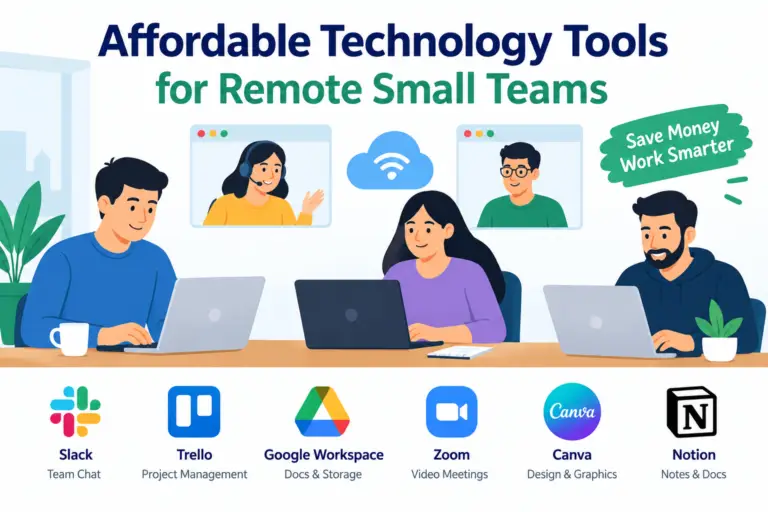
- MUST READ:Affordable technology tools for remote small teams
The goal isn’t complexity — it’s efficiency at a price point small businesses can actually afford.
Why Small Businesses Need Affordable Workflow Solutions
Many small business owners assume automation is only for large enterprises with dedicated IT departments. That’s no longer true.
Time Savings Add Up Quickly
Manual data entry, repetitive emails, and disorganized task tracking eat into productive hours. Even basic automation can save several hours per week — time that can be redirected toward sales, customer service, or product development.
Reduced Human Error
Automated workflows reduce the risk of missed follow-ups, duplicate entries, or forgotten approvals. Consistency improves simply because the system, not a person, is tracking each step.
Better Scalability
As a business grows, manual processes break down fast. Cheap workflow tools allow small teams to handle a growing workload without immediately hiring more staff.
Improved Customer Experience
Faster response times, automated confirmations, and organized communication all lead to a smoother customer journey — something budget constraints shouldn’t have to compromise.
Affordable Workflow Tools Worth Considering
While specific software choices depend on your industry, several categories consistently offer strong value for small businesses.
Project and Task Management
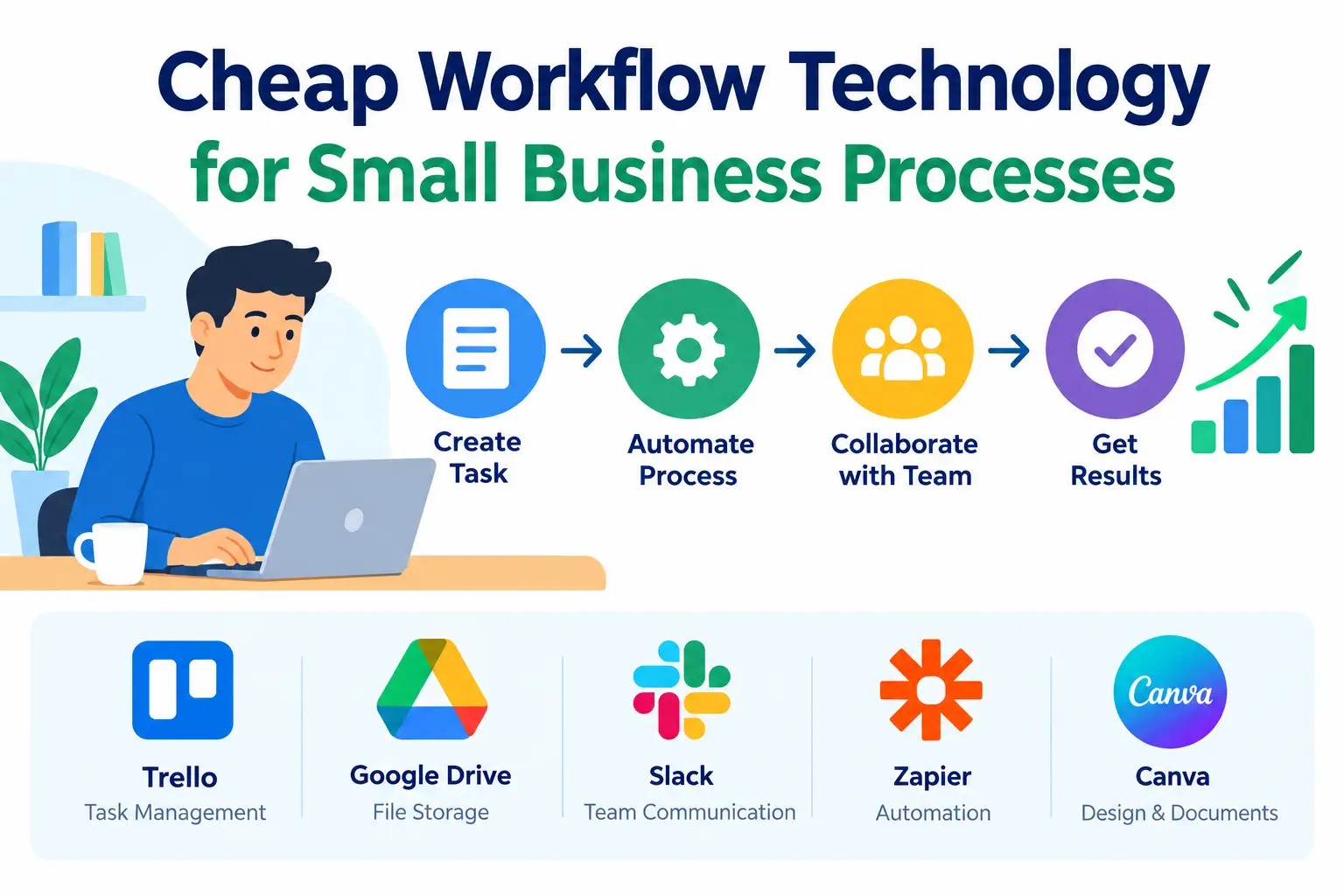
Tools like Trello, Asana (free tier), and ClickUp allow teams to organize tasks, set deadlines, and track progress visually. Most offer free plans suitable for small teams, with paid tiers that remain budget-friendly as needs grow.
Automation Platforms
Services such as Zapier and Make (formerly Integromat) connect different apps together, allowing data to move automatically between them. For example, a new customer inquiry can automatically create a task, send a confirmation email, and update a spreadsheet — with zero manual input.
Customer Relationship Management (CRM)
Low-cost CRMs like HubSpot’s free tier or Zoho CRM help small businesses track leads, manage follow-ups, and organize customer data without expensive enterprise software.
Communication and Collaboration
Slack, Microsoft Teams, and Google Workspace offer affordable (sometimes free) plans that streamline internal communication and reduce email clutter.
Document and Approval Workflows
Tools like Google Forms combined with Google Sheets, or lightweight platforms like Jotform, allow businesses to automate approvals, intake forms, and document tracking without custom development.
How to Choose the Right Workflow Tool
Not every tool fits every business. Before investing time in a new platform, consider the following factors.
Identify the Bottleneck First
Don’t adopt technology for its own sake. Look at where your team loses the most time — whether that’s scheduling, invoicing, or customer follow-ups — and choose a tool that solves that specific problem.
Prioritize Ease of Use
Small teams rarely have time for lengthy onboarding. Choose tools with intuitive interfaces and strong customer support, especially if you don’t have a dedicated technical staff member.
Check Integration Compatibility
The best workflow tools connect smoothly with software you already use, such as email platforms, accounting systems, or e-commerce platforms. Poor integration often leads to duplicated work rather than less.
Start Small and Scale
Begin with free or low-cost plans to test whether a tool actually improves your workflow before committing to a paid upgrade. Most reputable platforms offer free trials or freemium tiers for this reason.
Common Mistakes to Avoid
Even affordable tools can become a waste of money if implemented poorly. Avoid these common pitfalls:
- Adding too many tools at once — this creates confusion rather than efficiency
- Skipping employee training — even simple tools require a short onboarding period
- Ignoring data security — always check that a tool follows basic data protection standards
- Choosing based on price alone — the cheapest option isn’t always the most cost-effective long-term
Final Thoughts
Cheap workflow technology has leveled the playing field for small businesses. With the right combination of task management, automation, and communication tools, even a lean team can operate with the efficiency of a much larger organization.
The key isn’t spending more — it’s spending smarter. By identifying your biggest operational bottlenecks and matching them with affordable, easy-to-use tools, your small business can save time, reduce errors, and create room to grow.
Start with one process, automate it well, and expand from there. Small, consistent improvements in workflow technology often lead to the biggest long-term gains.