
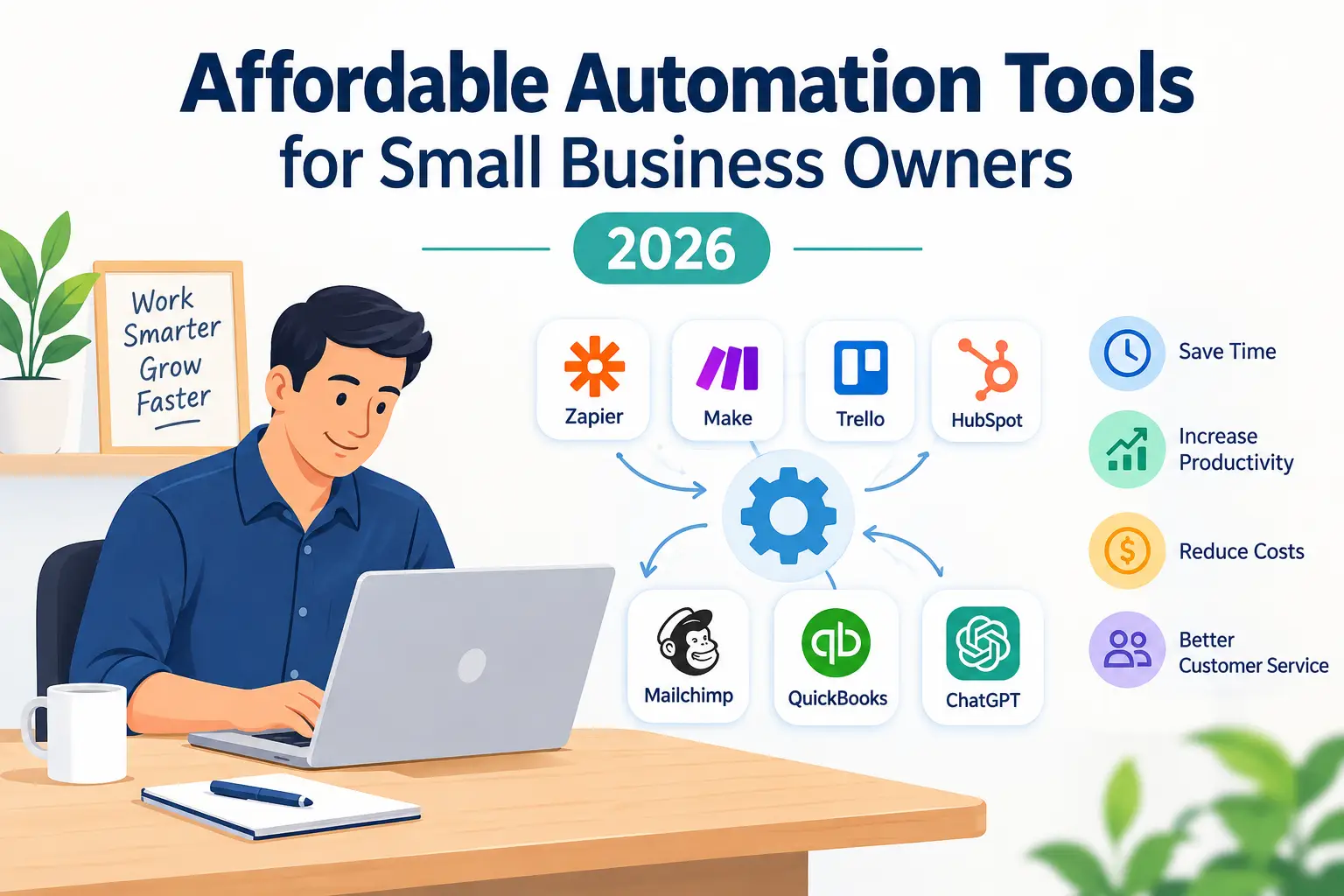
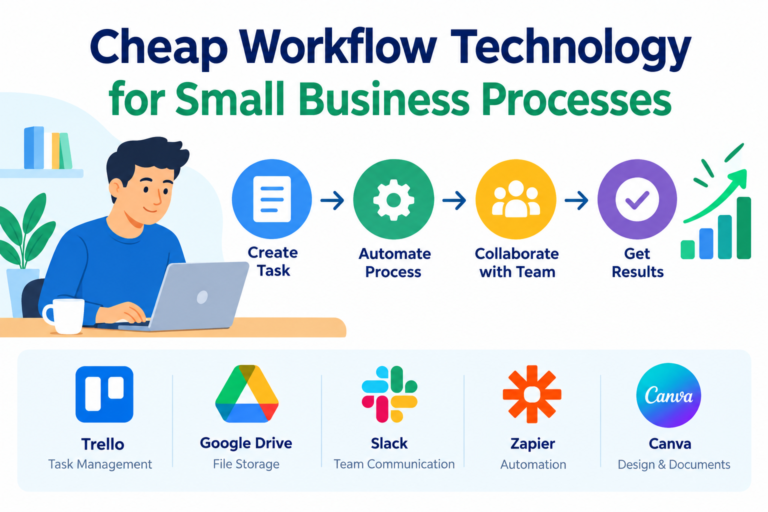
Running a small business requires managing multiple responsibilities with limited time, staff, and financial resources. From responding to customer inquiries to processing invoices and promoting products, business owners often spend hours on repetitive tasks that could be handled more efficiently.
Affordable automation tools for small business owners offer a practical way to reduce this workload. These digital solutions help businesses automate routine activities, organize daily operations, and improve productivity without investing in expensive enterprise software.
With the right tools, even a small team can build efficient workflows, deliver better customer service, and focus more attention on business growth.
What Are Business Automation Tools?
Business automation tools are software applications that perform repetitive tasks with minimal manual involvement. They can connect different applications, send automatic notifications, organize customer information, and manage routine business processes.
For example, when a customer submits an online inquiry, an automation system can save their details, send a confirmation email, and create a follow-up task for the sales team.
This reduces manual data entry and helps prevent important inquiries from being overlooked.
Why Small Businesses Need Automation
Small businesses often operate with limited staff. Employees may handle sales, customer support, marketing, and administration at the same time.
Automation helps reduce the pressure by managing predictable tasks in the background.
The benefits include:
- Less time spent on repetitive administrative work.
- Fewer manual errors and missed follow-ups.
- More consistent customer communication.
- Better organization of business information.
- Increased productivity without immediately hiring additional employees.
However, automation is not a replacement for human judgment. It works best when businesses use it to support employees rather than remove essential human oversight.
7 Affordable Automation Tools for Small Business Owners
The best automation software depends on your business needs, existing applications, and budget. The following tools offer practical starting points for different business activities.
1. Zapier for Connecting Business Applications
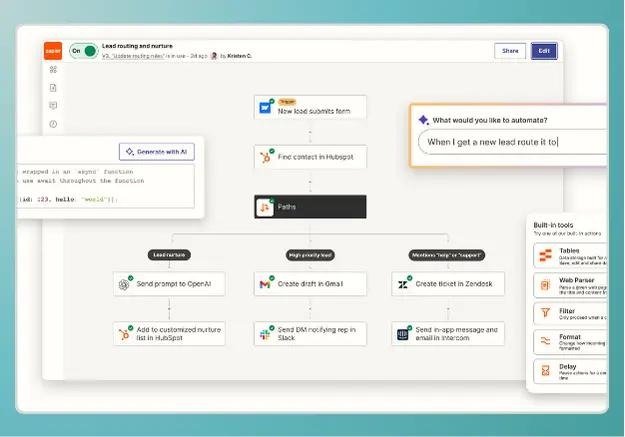
Zapier connects different applications and allows users to create automated workflows called Zaps.
For example, a business can automatically add new website form submissions to a spreadsheet or send a notification when a new customer inquiry arrives.
Its visual workflow builder makes it useful for business owners who want to connect applications without writing code.
Best for: Connecting online forms, spreadsheets, email platforms, and other business applications.
Explore its available plans on the Zapier pricing page .
2. Make for Visual Workflow Automation
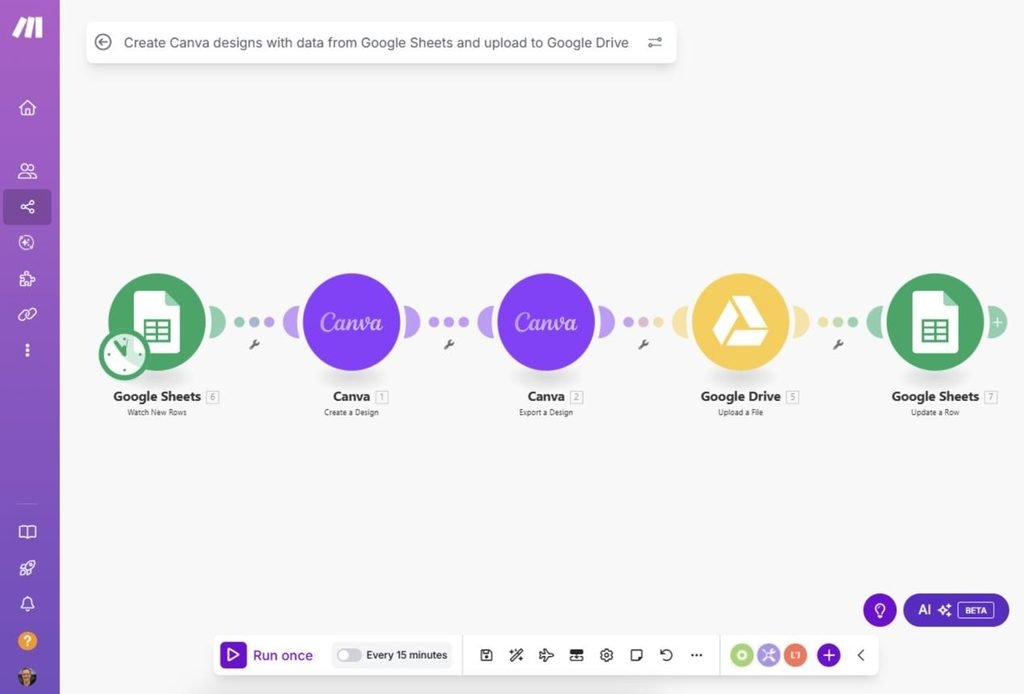
Make provides a visual interface for building workflows that connect multiple applications and automate business processes.
Users can create workflows for lead management, customer notifications, document handling, and data synchronization.
Its visual approach helps users understand how information moves between applications.
Best for: Small businesses that need flexible workflows with multiple steps or conditional actions.
Review the Make pricing options before selecting a plan.
3. Trello for Task and Project Management
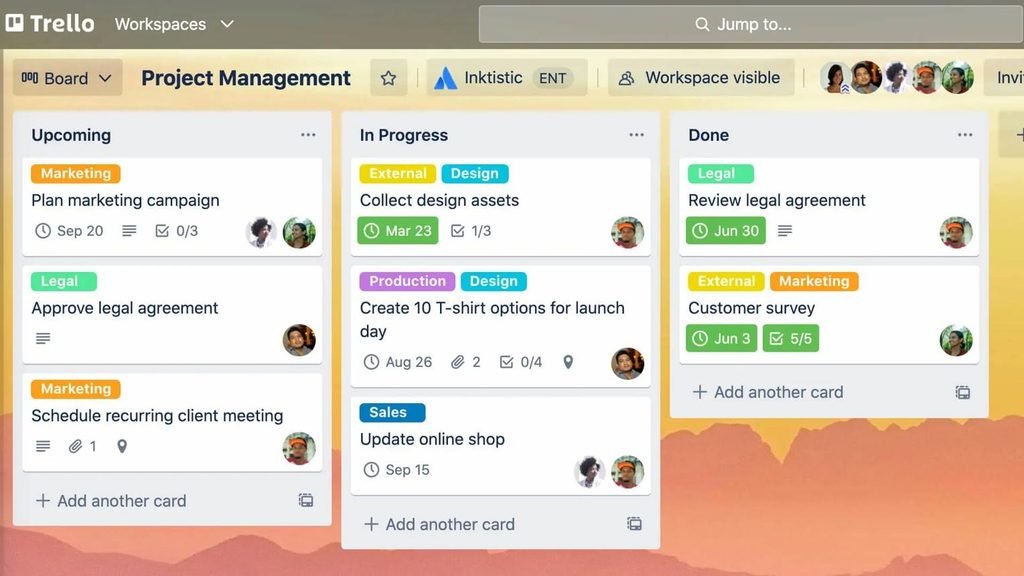
Trello helps teams organize work using boards, lists, and task cards.
Its automation features can handle routine actions such as moving cards between lists, assigning responsibilities, and setting due dates.
For example, a content team can create a workflow that moves an article into the review stage when its draft is completed.
Best for: Small teams managing projects, content calendars, and daily tasks.
Visit the Trello pricing page for current plan details.
4. HubSpot for Customer Relationship Management
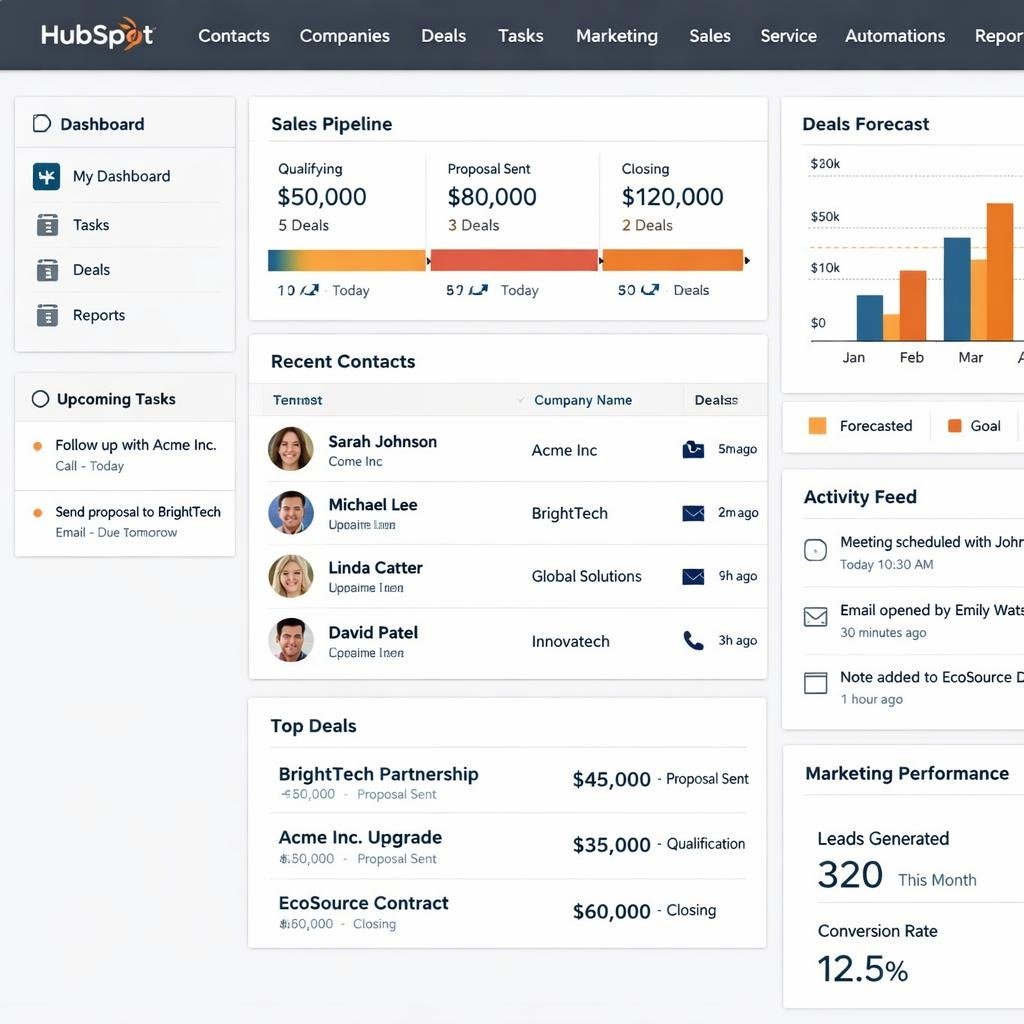
HubSpot offers customer relationship management tools that help businesses organize contacts, track sales opportunities, and manage customer interactions.
Depending on the selected products and plan, businesses can automate activities such as contact organization, lead assignment, and follow-up communication.
A centralized CRM makes it easier to understand where each customer stands in the sales process.
Best for: Small businesses that want to improve lead management and customer relationships.
Explore the HubSpot pricing page for available options and limitations.
5. Mailchimp for Email Marketing Automation
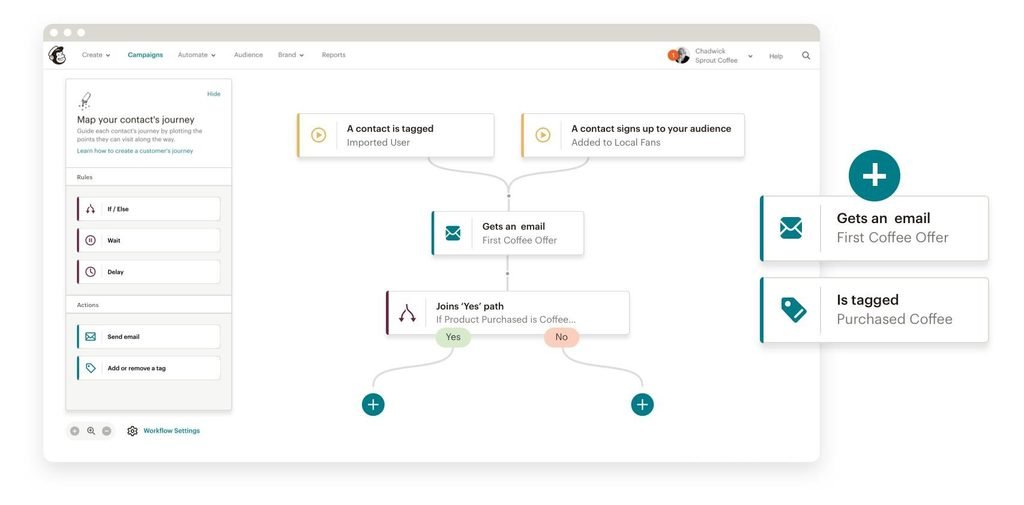
Mailchimp helps businesses manage email campaigns and communicate with customers through automated messages.
Businesses can use email automation to welcome new subscribers, share product updates, and send relevant marketing communications.
These workflows help maintain customer engagement without requiring employees to send every message individually.
Best for: Online stores, service providers, and small businesses building an email marketing strategy.
Check the Mailchimp pricing page for current plan features.
6. QuickBooks for Accounting Automation
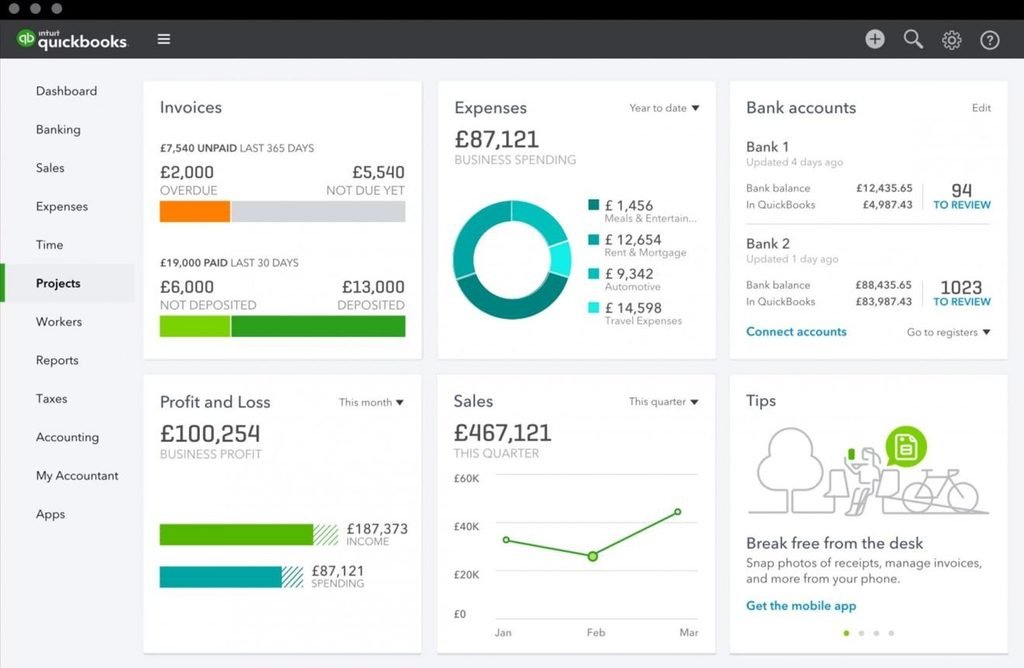
QuickBooks provides accounting software that helps businesses manage invoices, expenses, financial records, and reporting.
Depending on the plan and integrations, users can automate recurring invoices, organize transactions, and schedule payment reminders.
This reduces the administrative workload associated with routine financial management.
Best for: Small businesses that want to simplify bookkeeping and improve financial organization.
Visit the QuickBooks pricing page to compare available plans.
7. ChatGPT for AI-Assisted Business Tasks
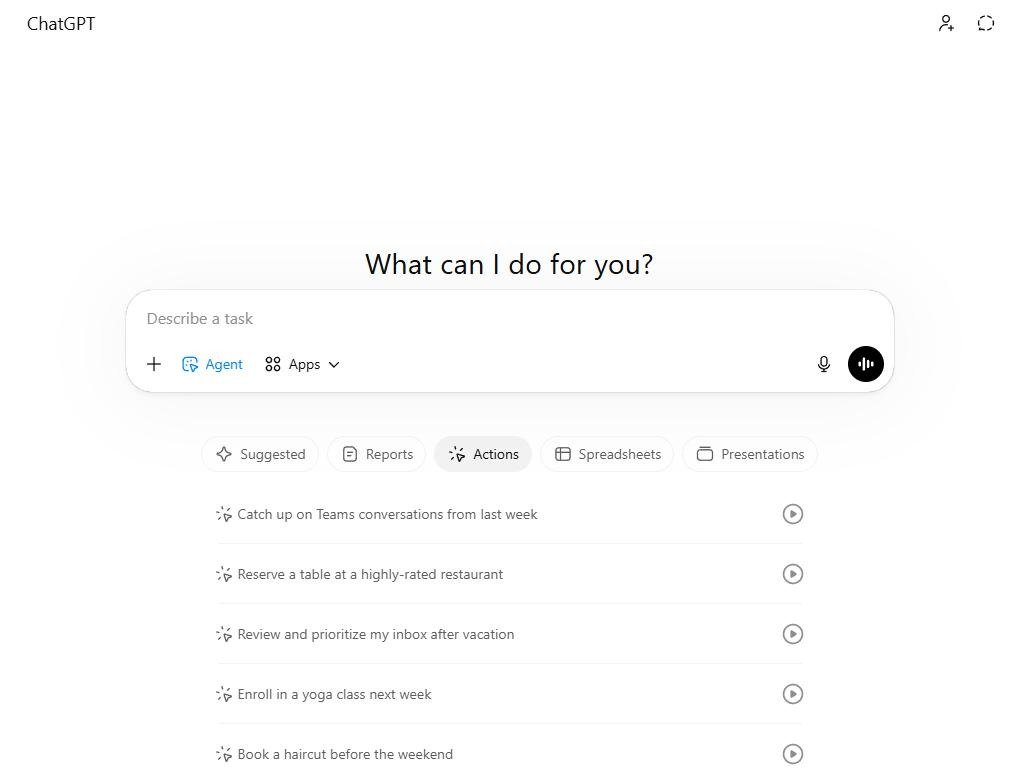
AI assistants can support small business owners with drafting emails, preparing content outlines, summarizing documents, and generating ideas.
For example, an owner can use an AI assistant to prepare a first draft of a customer response or create a checklist for a recurring business process.
Some workflows can also connect AI services with other applications, depending on available integrations and technical requirements.
Best for: Writing assistance, research support, brainstorming, and preparing routine business documents.
Explore available options on the ChatGPT website .
How to Choose Affordable Automation Software
Choosing the right automation tool requires more than comparing subscription prices. A low-cost application may become expensive if it requires additional services, extensive training, or complicated integrations.
Identify Your Most Time-Consuming Tasks
Start by listing the activities that your business repeats every day or week.
These might include sending invoices, responding to inquiries, updating spreadsheets, or scheduling marketing content.
Choose one task that consumes significant time and has a clear, repeatable process.
Compare Features and Total Costs
Check whether the software includes the features your business actually needs.
Consider monthly subscription fees, automation limits, integration availability, user accounts, and potential upgrade costs.
Free plans can be useful for testing, but their restrictions may affect business operations as usage increases.
Test Before Expanding
Start with one workflow and measure its results.
For example, compare how long it takes to process customer inquiries manually versus using an automated system.
If the workflow saves time without creating errors or customer complaints, consider expanding it to other activities.
Common Automation Mistakes to Avoid
Small business owners should avoid automating every process at once. Introducing too many tools can create confusion and increase operating costs.
Another mistake is automating tasks without checking whether the underlying process is efficient. A poorly designed workflow can produce incorrect information or send inappropriate messages automatically.
Businesses should also review automated activities regularly, protect sensitive information, and maintain human oversight for important decisions.
Conclusion
Affordable automation tools for small business owners provide practical opportunities to improve productivity, reduce repetitive work, and organize daily operations.
Tools such as Zapier, Make, Trello, HubSpot, Mailchimp, QuickBooks, and ChatGPT support different business needs, from workflow integration and customer management to accounting and AI-assisted tasks.
The most effective approach is to begin with one clear business problem, choose a suitable tool, and measure the results before expanding.
By investing in simple, affordable automation solutions, small businesses can make better use of their time, improve operational efficiency, and build a stronger foundation for sustainable growth.






One thought on “Affordable Automation Tools for Small Business Owners”